Send data to category attributes in Brevo
How to easily map your Radio Buttons, Checkboxes, and Dropdown fields?
Since the last update, we have made it possible to map Radio Buttons, Checkboxes, and Dropdown fields with category attributes in Brevo.
Therefore, there is no longer a need to map them with a text field in Brevo.
You just need to map your Gravity Forms radio buttons field with a category attributes in Brevo and use the same choice names in your options.
Finally, map your Checkboxes Brevo attributes with your Checkboxes Form field.
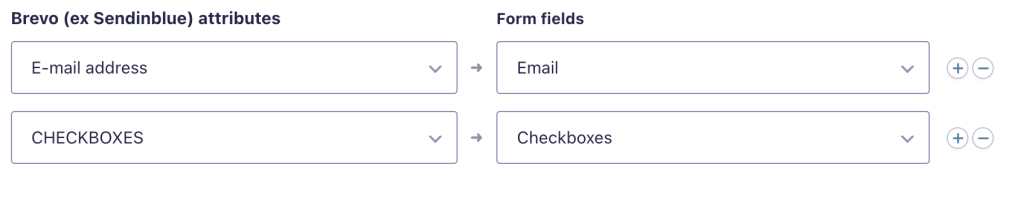
The conversion will happen automatically!