

Displaying Client Project Data in WordPress with Air WP Sync
Discover how to simplify and streamline your projects listings with Air WP Sync.


 Presentation
The client
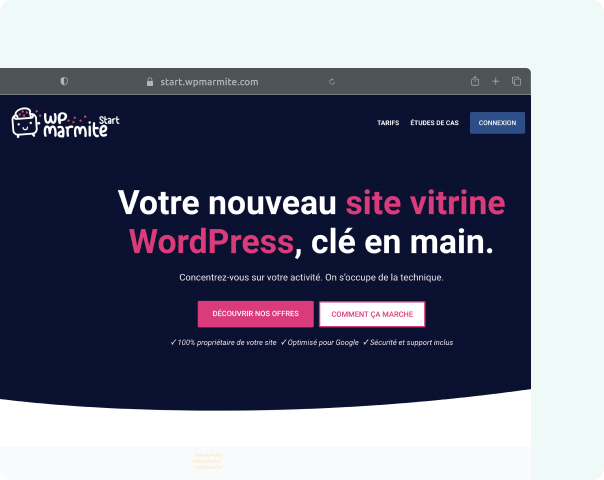
Alex Borto is the founder of WPMarmite Start, the WordPress website creation service by WPMarmite. WPMarmite is a long-standing French reference in the WordPress ecosystem, with a large and active community.
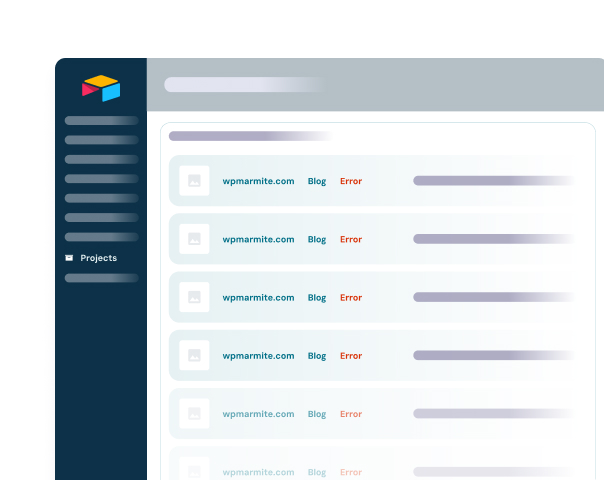
WPMarmite Start uses Air WP Sync to display WordPress website project details directly inside prospects’ user accounts. Client projects are stored and managed in Airtable, which acts as both a CRM and a project database. Connecting Airtable to WordPress was essential to combine simple data management with a clean WordPress front-end experience.
Air WP Sync was discovered naturally through prior collaboration with WP connect and Digital Korner.


Media and Agency
 Challenges
Bridging Airtable and WordPress data
Connecting Airtable and WordPress cleanly
Projects were managed in Airtable, but key data needed to be displayed dynamically inside WordPress user accounts.
Avoiding complex automations
Alternative solutions (such as Make automations) were possible but would have required significantly more setup time and maintenance.
Mapping project-specific data
Each project contained multiple custom fields (URL, industry, needs, submission date) that had to be reliably converted into WordPress custom fields.
 What we offer
Direct Airtable–WordPress synchronization
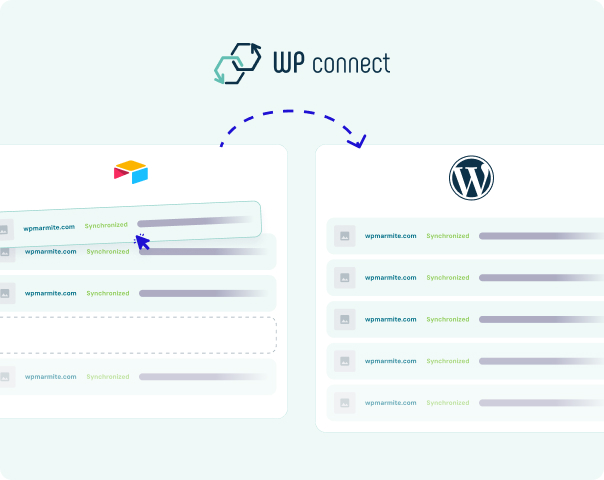
Direct Airtable → WordPress connection
Air WP Sync enabled a reliable connection between Airtable and WordPress, combining data management flexibility with front-end simplicity.
Custom field mapping
Airtable fields were easily mapped to WordPress custom fields in just a few clicks, with no custom development required.
Simple setup with clear documentation
The configuration process was straightforward, and support quickly answered a question related to Airtable record IDs.
Results
Significant time savings
Around 15–20 minutes saved per project thanks to automatic sync.
Reliable data consistency
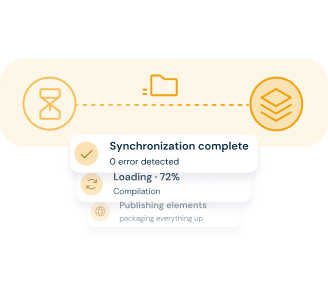
Project details are always up to date in WordPress.
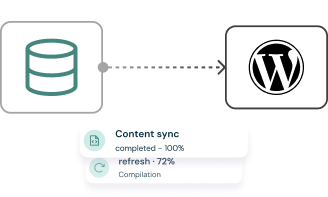
Faster implementation
No need for complex Make automations or custom development.
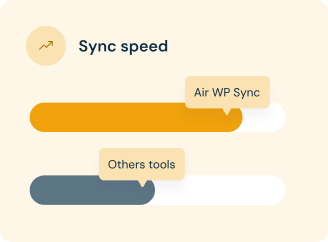
 Testimonial
Client feedback

“Air WP Sync saves us a significant amount of time thanks to a reliable automatic synchronization with WordPress. In my opinion, it’s the best solution on the market to connect Airtable and WordPress, and we highly recommend it.”
Alex Borto
Founder & Owner at WPMarmite – Troyes, France
 What to remember
Key Takeaway
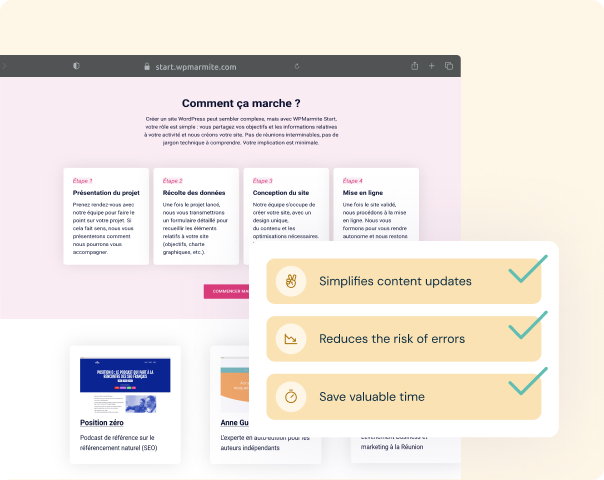
For teams managing client projects in Airtable while needing structured data displayed inside WordPress, Air WP Sync offers a fast, reliable, and easy-to-maintain solution—without complex automations or custom code.
Discover how Air WP Sync can simplify projects management today!
Managing projects doesn’t have to be complicated. Streamline your workflow and keep your projects up-to-date effortlessly.