Notion integrations for WordPress
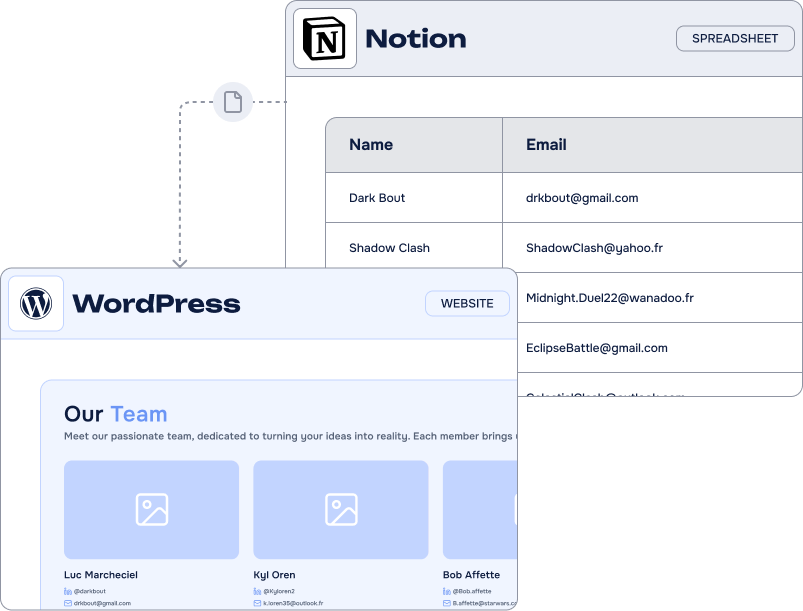
Notion is the all-in-one workspace where teams take notes, run projects and write documentation. Connecting it to WordPress unlocks a complete way to manage your site and your processes from the tool you already open every morning.
What can you do with our Notion integrations?
Our Notion integrations for WordPress are built to match real needs: manage your content, publish courses, handle events, connect your web forms and keep data in sync between both platforms.
They let you create workflows that fit the way your team actually works, instead of bending your process to fit a tool.
If you are looking for a flexible way to improve how your site is managed, try our Notion integrations and see how much smoother the day-to-day becomes.
Easily connect your WordPress forms to Notion
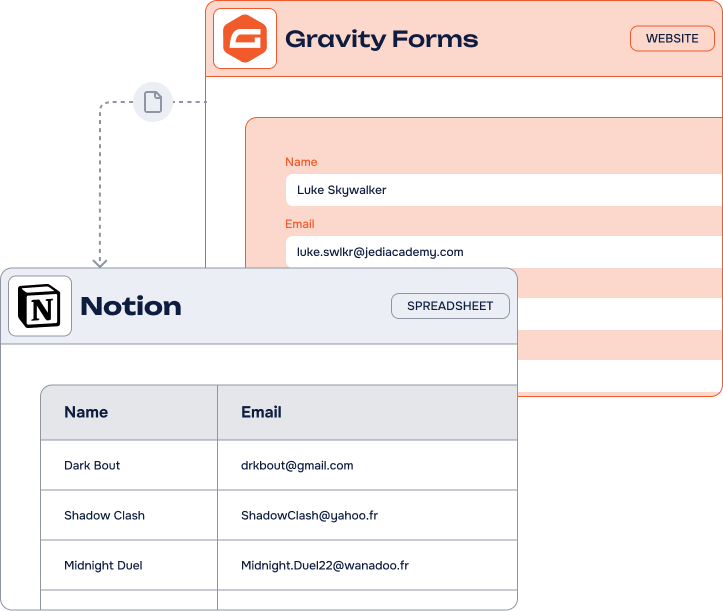
Our Notion add-ons synchronize data between WordPress and Notion, in particular with the form plugins you already use: Gravity Forms, WPForms and Contact Form 7. No Zapier, Automate.io or Pabbly needed — lower costs, fewer moving parts.
- Create and manage pages, posts, courses and events directly from Notion
- Sync data in real time between WordPress and Notion
- Automate the repetitive parts of managing your site
- Migrate content from Notion to WordPress in a few clicks
Connecting WordPress to Notion lets you:
Your entries are then manageable from Notion by your whole team, on any device, with triggers and views that keep everything organized on their own.
Why our Notion integrations
stand out
Notion holds the documentation, the roadmap and often the CRM of a team. Our integrations make WordPress read from it and write to it directly, through the Notion API, with no automation platform in between.
-
Sync in both directions
Publish WordPress content from your Notion databases with Notion WP Sync, and send form entries back into your workspace with our add-ons.
-
A direct API connection
The Notion API is available on every plan, including the free one — no subscription to a third-party tool to make it work.
-
A team behind the plugins
We do not just publish add-ons. Our team helps you set them up, and builds the custom no-code integration when your workflow needs one.
Our Notion
integrations
From publishing a whole Notion database as WordPress content to pushing a single form entry into a page: pick the integration that matches what you need to move.
-
Notion WP Sync – Notion to WordPress
Import and synchronize your Notion databases to create posts, pages and custom post types in WordPress.
Discover about Notion WP Sync – Notion to WordPress -
Gravity Forms to Notion
Every Gravity Forms entry becomes a page in the Notion database of your choice, properties mapped one to one.
Discover about Gravity Forms to Notion -
WPForms to Notion
Send your WPForms submissions straight into your workspace, with conditional logic on what gets sent.
Discover about WPForms to Notion -
Contact Form 7 to Notion
Our free add-on: paste your token, map your fields, and every submission creates a page in Notion.
Discover about Contact Form 7 to Notion




Key use cases of Notion integrations
Teams run wildly different things on Notion — a knowledge base, a course catalogue, an editorial calendar, a lightweight CRM. These are the workflows our users build most often with WordPress.
-
Content publishing
Write and review in Notion, publish in WordPress: your posts and pages are created and updated from your databases.
-
Project & client requests
Briefs submitted on your site become entries in the project database your team already tracks.
-
Knowledge base
Support questions collected on WordPress feed the Notion space where your documentation lives.
-
Events & courses
Sessions and registrations are managed in Notion, and the pages on your site follow along.
-
Lead management
Contact forms fill the Notion CRM your sales team opens every day, without a single copy-paste.
Frequently Asked Questions
about our Notion integrations
What is Notion?
Notion is a powerful all-in-one digital workspace that claims 20 million users worldwide. This versatile platform combines various collaborative tools including note-taking, task management, project management, file storage and sharing capabilities. The platform offers different views like table, kanban, calendar, timeline and much more.
What makes Notion special is its flexibility and no-code approach. You can create custom workflows, build databases, organize information, and collaborate with teams effectively, all within one interface. Anyone can create sophisticated organizational systems without technical skills.
From startups to large enterprises, the platform serves as a central hub for productivity and information management.
Can I use Notion WP Sync with a free Notion account?
Yes. Notion.so offers a free plan called Notion Individual. It targets small teams of up to 6 people. Allowing the creation of an unlimited number of pages and blocks, Notion Individual gives access to the platform’s API.
Creating an account on Notion is free. Once logged in to your contact, you can create and get the API key from this page (don’t forget to share it with your database).
Depending on your needs, several paid subscriptions allow you to unlock these limitations while accessing more advanced features (see prices).
What types of Notion content can I sync to WordPress?
Notion WP Sync syncs both Notion databases and pages to WordPress. You can import text, images, files, headings, lists, tables, quotes, and most Notion blocks directly into WordPress posts and pages.
The plugin supports various Notion field types including text, dates, numbers, checkboxes, files, media, and select fields. For advanced users, the plugin integrates with ACF (Advanced Custom Fields) to map Notion properties to custom fields. You can sync entire Notion databases as WordPress posts (perfect for blogs, portfolios, or documentation). Our documentation provides a complete compatibility table for all supported Notion data types and ACF mappings.
How to turn Notion content into WordPress pages and blog posts?
Notion WP Sync transforms your Notion databases and pages into WordPress pages and posts. This is a one-way synchronization from Notion to WordPress, allowing you to manage all your content directly in Notion’s collaborative interface.
No need to use the website editor to publish or update content. Everything happens directly in Notion. Once finished, your content is automatically exported and published on your pages and blog by the Notion WP Sync plugin.
This smart integration lets you automate multiple tasks like publishing workflow, real estate listings, multi-user site management, private blog network management, and much more.
Note: The plugin can only update posts and pages that you created using this same plugin.
You might also be interested in these add-ons: Airtable to WordPress, Airtable for WooCommerce or TimeTonic.
Want to know more? Check our articles!
News
Notion WP Sync Pro+ 3.0: more control and safer Notion-to-WordPress syncs
Explore safer Notion-to-WordPress workflows with configurable deletion handling, ACF support for users and terms, dependent connections, and updated WordPress and PHP compatibility.
Guides
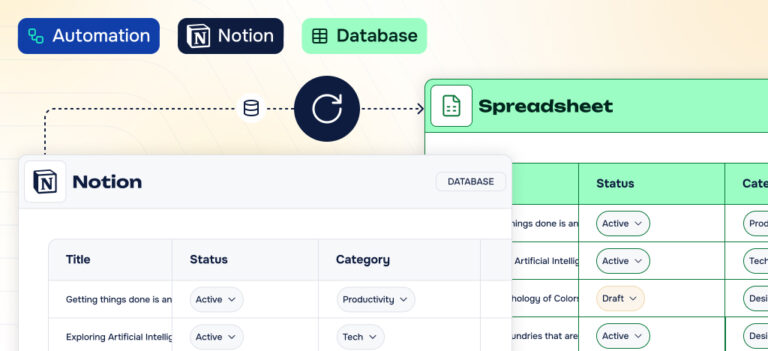
How to export a Notion database to Excel or CSV ?
Follow five simple steps to export a Notion database to CSV or Excel, then discover how Notion WP Sync can publish Notion data to WordPress automatically.
Guides
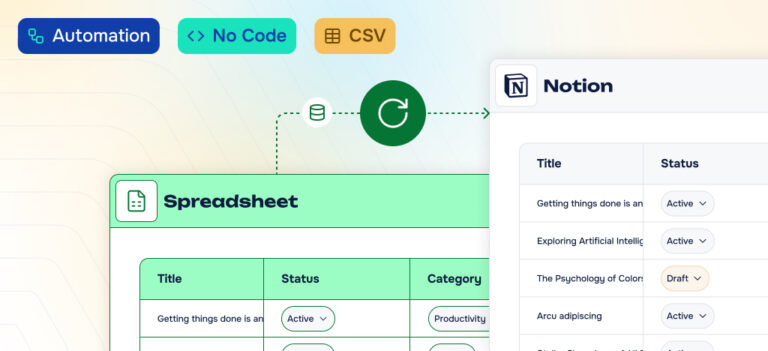
How to import CSV into Notion database
Learn how to create a new Notion database from CSV or merge data into an existing one, with mapping tips and automation options that save time.