

Centralizing Content Creation with Notion WP Sync
Discover how to simplify and streamline content with Notion WP Sync.
 Presentation
The client
Vashte Johnson is a multidisciplinary consultant with a background spanning Fine Art, Mechanical Engineering, and Consumer Insights. Her work focuses on helping businesses clearly communicate complex ideas, data, and intellectual property through high-impact presentations and content.
Through years of experience designing thousands of PowerPoint decks and visual assets for clients ranging from small agencies to Fortune 500 companies, Vashte identified a recurring problem: businesses struggle to transform dense ideas and data into clear, compelling, and well-structured narratives. This challenge extended beyond presentations into long-form written content.
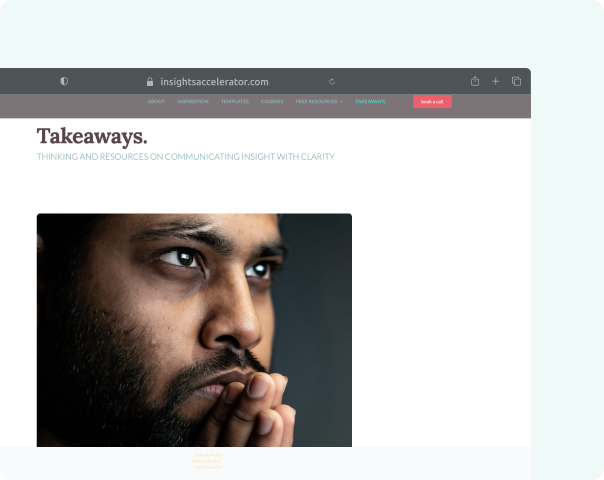
To support her editorial work, Vashte launched Takeaways, a blog dedicated to sharing her methodology, tactical advice, and strategic thinking around storytelling and communication. This required a content workflow that was both visually consistent and operationally efficient across blog articles, email, social media, and future video formats.


Content Creation
 Challenges
Content Fragmentation and Manual Publishing Overhead
Before using Notion WP Sync, Vashte faced several key issues:
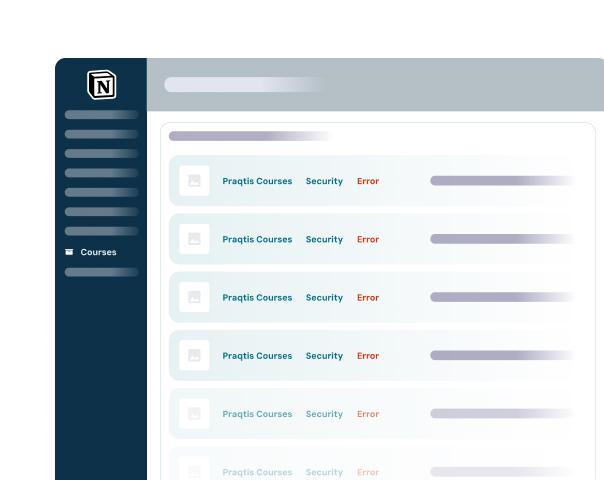
- Fragmented content workflow: Articles were written in Notion, then manually copied and pasted into WordPress.
- Time-consuming formatting: Each article required re-styling in WordPress, duplicating work already done in Notion.
- Lack of a single source of truth: Managing updates across platforms increased the risk of inconsistencies.
- Scalability limitations: Maintaining a content calendar, analytics, and multi-channel distribution became increasingly complex.
Despite testing multiple approaches (writing directly in WordPress or exporting content to third-party platforms), none provided a clean, sustainable workflow.
 What we offer
A Centralized, Automated Notion-to-WordPress Workflow
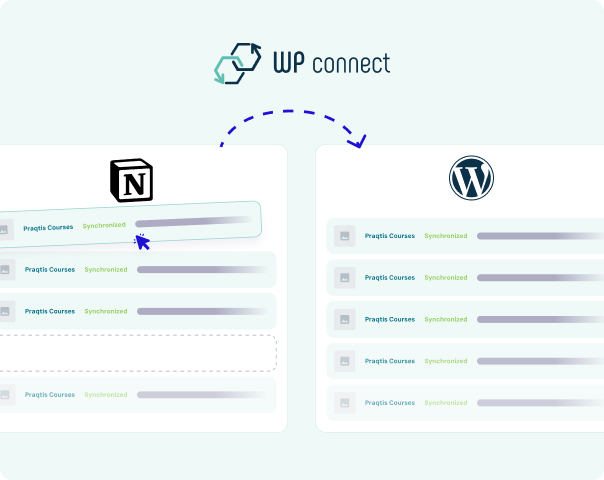
Notion WP Sync provided the missing link between Notion and WordPress. By using Notion as a centralized content hub and syncing directly to WordPress, Vashte was able to:
- Write and manage content once, directly in Notion.
- Automatically sync articles to WordPress using a predefined article template.
- Preserve content structure, including headings, images, featured images, categories, links, and publication dates.
- Use Notion as the single source of truth, with updates pushed automatically to the live site.
The setup was straightforward: connecting Notion via its API and installing the Notion WP Sync plugin on WordPress. Field mapping between the Notion database and WordPress content types was simple and intuitive. When edge cases arose, direct support ensured rapid resolution, with improvements made to the plugin based on real-world needs.
Results
Significant time savings
No more copy-paste or manual formatting between Notion and WordPress.
Consistent design
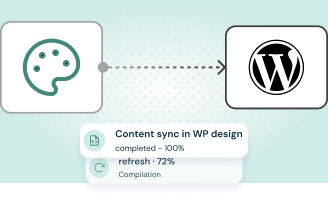
Articles automatically follow the WordPress theme’s styling rules.
Improved flexibility
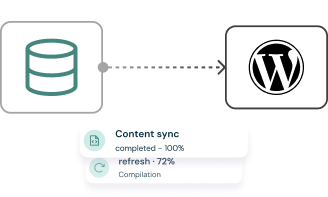
Changes made in Notion can be synced and applied to multiple articles at once.
 Testimonial
Client feedback

“This is exactly what I was looking for. I tried the free version and immediately upgraded to Pro. Once synced, I just do a quick check on the live page and it’s good to go.”
Vashte Jonhson
Founder, Insights Accelerator – USA
 What to remember
Key Takeaway
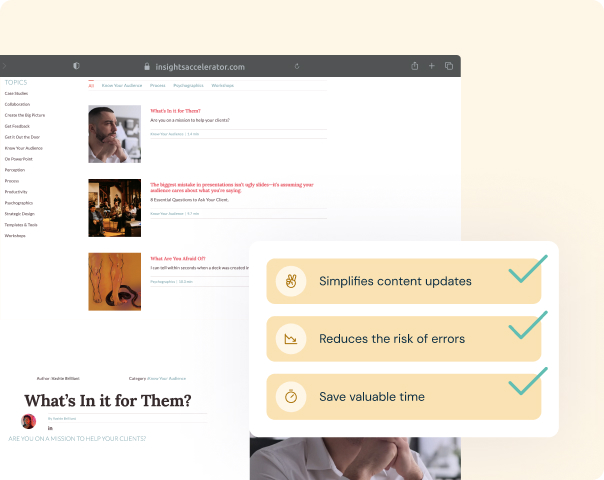
For content-driven professionals who rely on Notion as their editorial brain, Notion WP Sync eliminates redundant work and turns Notion into a true publishing engine for WordPress. By maintaining a single source of truth and automating content synchronization, it enables scalable, consistent, and professional content production—without compromising on design or structure.
Discover how Notion WP Sync can simplify content creation for your business today!
Content creation doesn’t have to be complicated. Streamline your workflow and keep your website up-to-date effortlessly.