

Managing Research Databases with Air WP Sync & Elementor


 Presentation
The client
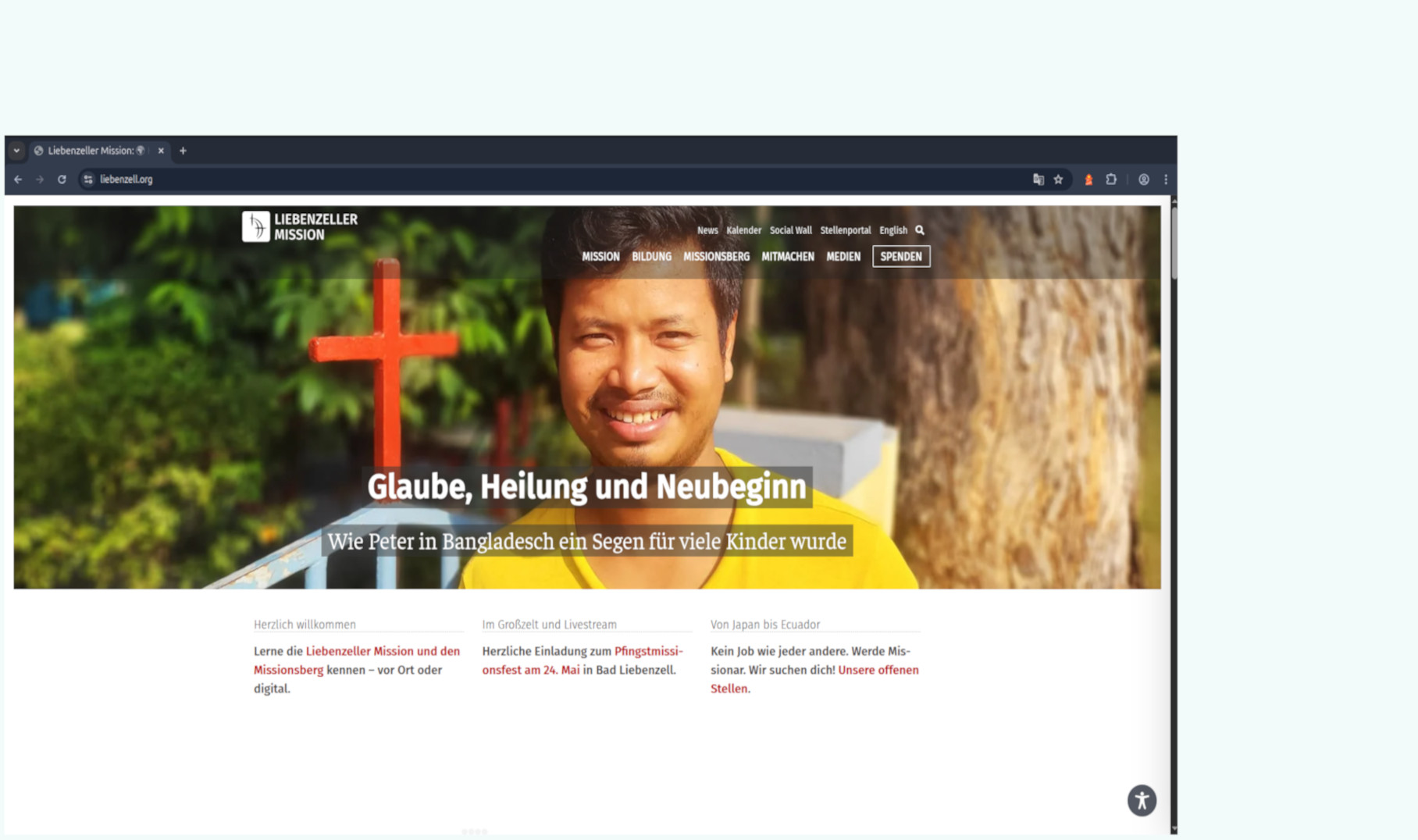
Sascha Reinhardt is Head of New Media at Liebenzeller Mission, an evangelical mission organization based in Bad Liebenzell, Germany, founded in 1899. The organization operates internationally with around 250 missionaries serving in more than 25 countries. Their work focuses on church planting, theological education, social projects, and humanitarian support, largely funded through donations.
As part of their public relations and digital communication activities, the organization manages a large amount of structured editorial and research content for their main website,
To streamline this process, the team adopted WP connect’s Air WP Sync to synchronize structured data stored in Airtable with their WordPress website. They discovered the plugin while searching for a reliable solution to connect Airtable and WordPress and automate the transfer of structured content used in their editorial workflows.


NGO & Non-Profit
 Challenges
Overcoming Data Management Challenges
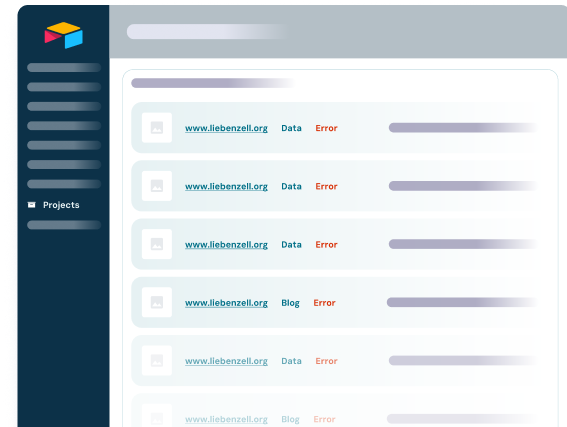
Before implementing Air WP Sync, the organization needed a reliable way to manage structured datasets used in their editorial and research-based content.
Their teams maintain various types of information including structured text fields, links, images, and other media-related data. This content must be updated regularly and displayed dynamically across multiple sections of the website.
Managing this information directly in WordPress would have required manual duplication of data and made collaboration between editorial teams more difficult.
The main challenges included:
- Maintaining structured datasets that multiple team members could update easily
- Keeping website content synchronized with research and editorial databases
- Avoiding manual duplication of content between Airtable and WordPress
- Ensuring that updates made by editors could be reflected quickly and reliably on the website
 What we offer
Solutions
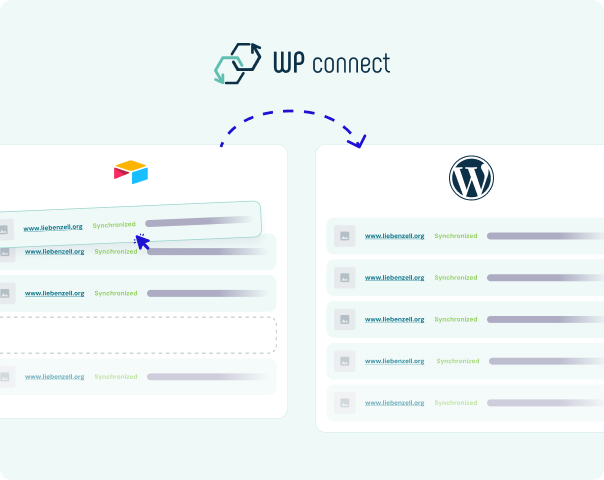
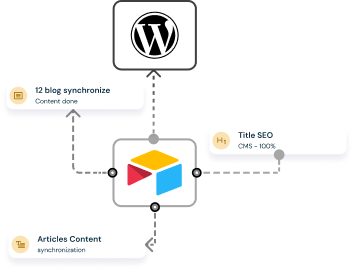
Air WP Sync provided a practical solution by connecting Airtable as the central data management system with WordPress as the publishing platform.
The team maintains their datasets in Airtable, where editors collect and update information collaboratively. Air WP Sync then synchronizes these records to WordPress automatically.
On the website, the synchronized data is displayed dynamically using Elementor’s Loop element, allowing the team to keep the presentation layer flexible while maintaining structured data in Airtable.
- This setup enables the organization to manage several data-driven sections of the website, including research-based and editorial databases such as:
- GO database
- Meine Mission database
- Mission weltweit database
- Video Cards database
- These datasets combine structured text content, links, images, and media elements, allowing the team to build rich editorial pages powered by structured data.
Results
Centralized content management
Teams can maintain structured data directly in Airtable while WordPress automatically reflects the latest updates.
Dynamic website content
Using Elementor’s Loop element, synchronized data can be displayed flexibly across multiple sections of the website.
Improved editorial collaboration
Editors and researchers can work together on datasets without needing direct access to the WordPress admin panel
 Testimonial
Client feedback

“Air WP Sync helps streamline the workflow between structured data management and website publishing. Updates made in Airtable can be transferred efficiently to WordPress, which reduces manual maintenance and helps keep website information consistent and current.”
Sascha Reinhardt
Head of New Media, Liebenzeller Mission
 What to remember
Key Takeaway
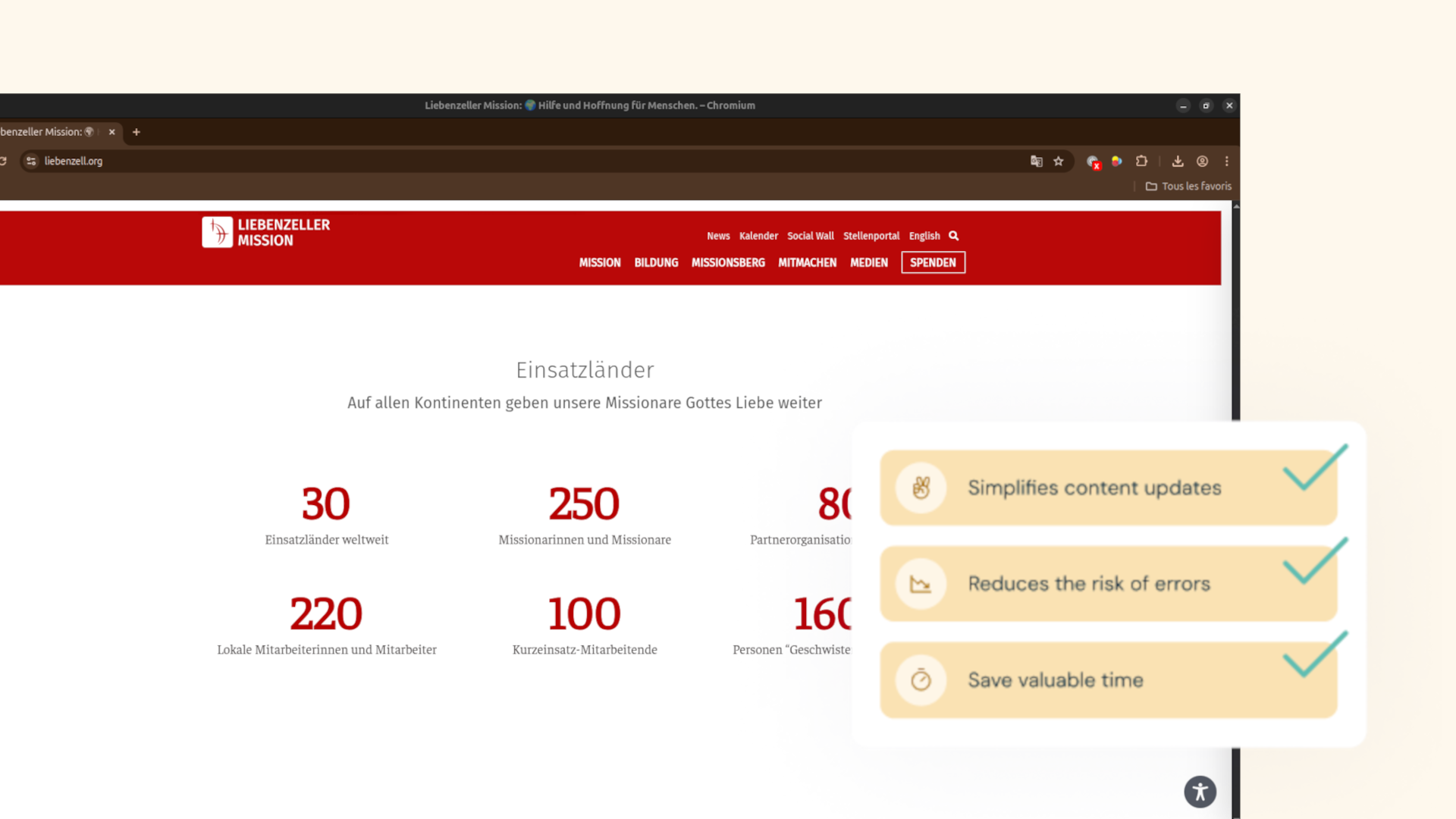
For organizations that manage structured datasets or research-driven content, Air WP Sync provides a powerful bridge between Airtable and WordPress. By centralizing data management in Airtable and automating synchronization with WordPress, teams can maintain complex datasets collaboratively while ensuring their websites stay accurate, dynamic, and up to date.
Managing research databases and editorial content doesn’t have to involve manual duplication or complex workflows. With Air WP Sync, structured data can flow seamlessly from Airtable to WordPress, improving both productivity and content reliability.
Discover how Air WP Sync can simplify database management for your business today!
Editorial workflows don’t have to be complicated. Streamline your workflow and keep your listings up-to-date effortlessly.