You gave us 4.86 on wp.org
Boost your productivity with ‘TimeTonic for WordPress’ Bundle
- TimeTonic
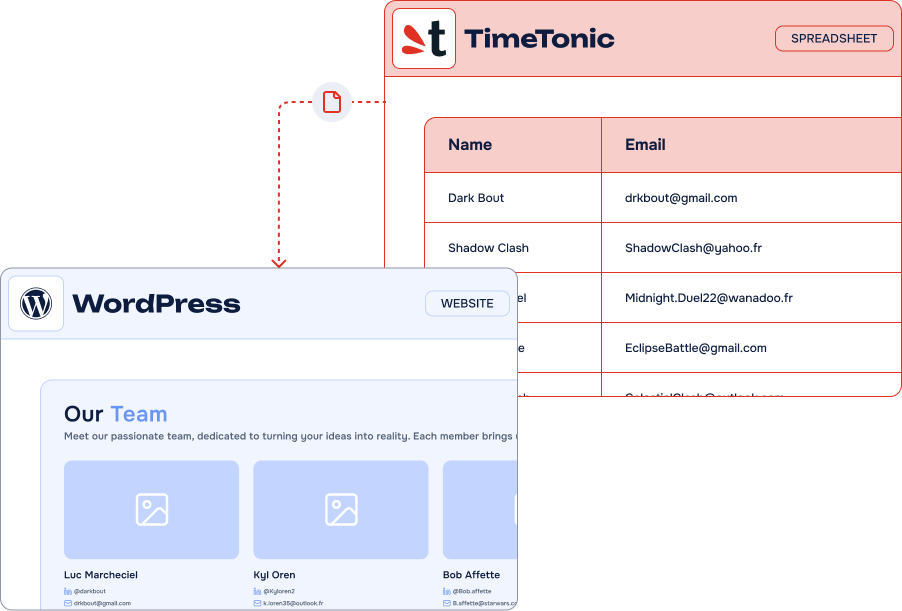
Simplify your data management with our all-in-one pack:
easily connect TimeTonic to WordPress and Gravity Forms to
TimeTonic to automate your workflows.
14-day Money Back Guarantee
Key features
-
Unlimited connections
Sync as many content types as you like
-
Custom Post Type Support
Work with any CPT or create yours on-the-fly
-
Advanced Fields Mapping
Supports rich text, selects, attachments, numbers, dates…
-
Taxonomy Sync
Categories, tags, and even custom taxonomies
-
ACF
SupportMap to any custom fields with complete ACF support !
-
Major SEO plugins Support
Manage your SEO in TimeTonic, sync it directly in WordPress
-
Sync
SchedulingSync hourly, daily, or on demand
-
Filters &
ViewsChoose specific records with TimeTonic views and filters








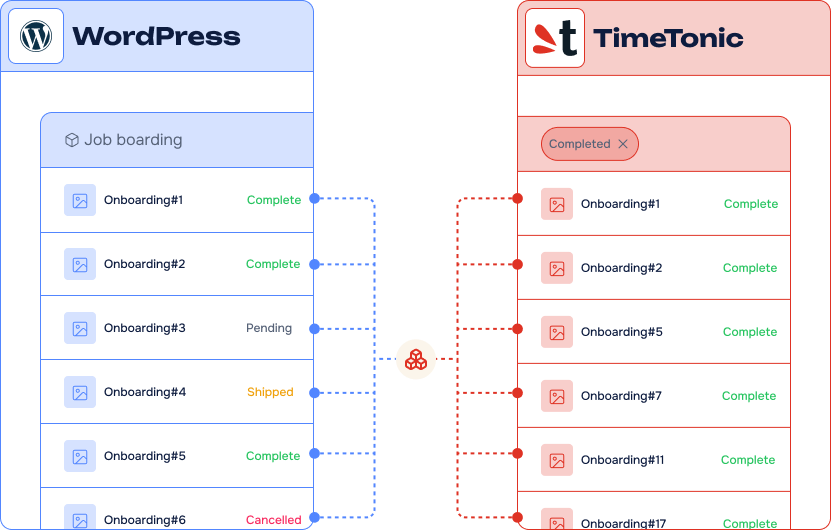
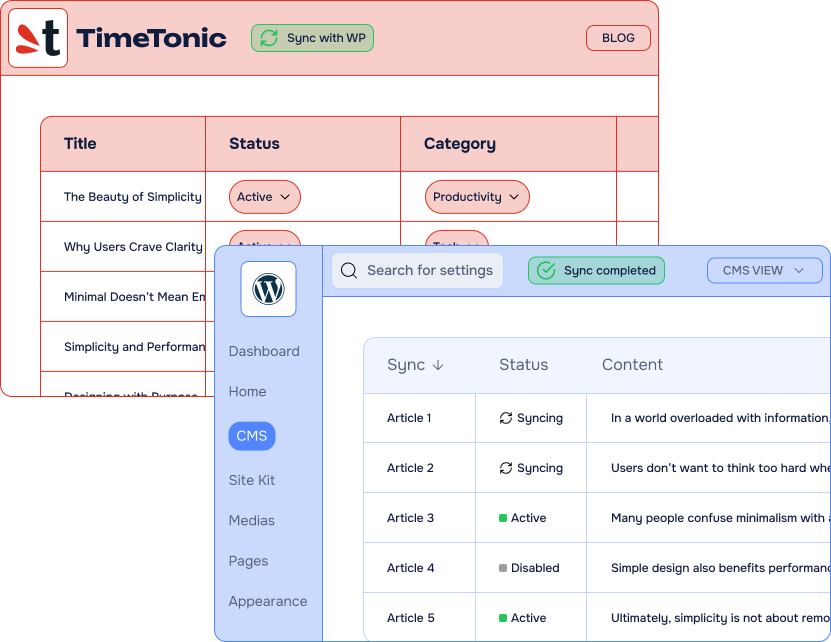
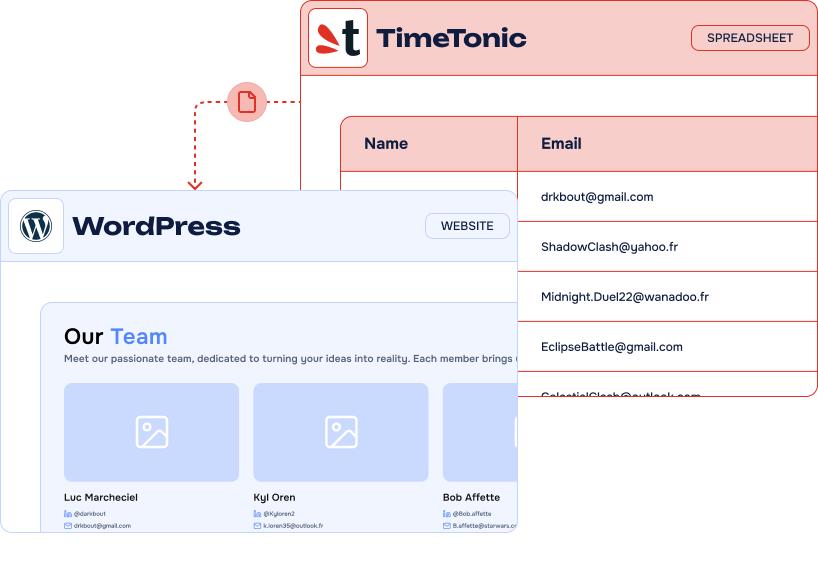
It’s easy to connect TimeTonic and WordPress using TimeTonic For WordPress

Our Pricing Plans
Most popular
Pro plan
1 site
$600.00 /year
All Features you need with Gravity Forms to TimeTonic included
- Included: Unlimited connections
- Included: ACF + CPT + SEO Support
- Included: Manual, Instant Sync and all choices of recurring Sync
- Included: Elementor, Divi, Weglot, The EventCalendar, TranslatePress Support
- Included: Premium Support & Updates
- Not included: Lifetime Option
Lifetime
1 site
$1,800.00 for life
One-time payment
Everything but for life
- Included: Unlimited connections
- Included: ACF + CPT + SEO
- Included: Manual, Instant Sync and all choices of recurring Sync
- Included: Elementor, Divi, Weglot, The EventCalendar, TranslatePress Support
- Included: Premium Support & Updates
- Included: Lifetime Option
-
Contact us
You need a special plan, integration services or custom development? We are here for you!
-
Guarantee
14-Day Money Back Guarantee
-
Switch your plan
Change your plan at anytime
Frequently asked questions
Find answers to the most common questions about WP connect – from licensing and compatibility to support and ease of use. We’ve got you covered whether you’re a developer or just getting started.
What is TimeTonic?
TimeTonic is a No Code collaborative database and project management platform. It allows businesses to create custom applications, manage data, automate workflows, and collaborate in real time without coding. It is often used for CRM, project tracking, field operations, and digital transformation.
Can I use a single site license on a Multisite ?
No, on a WordPress Multisite install, you will need multiple separate license keys, one for each of your your sub-sites.
Need a hand?
Got questions or need help getting started with TimeTonic WP Sync or Gravity Forms to TimeTonic? We’re here to help! Check out our detailed guides, troubleshooting tips, and everything you need to make the most of our tools.
Check documentation