You gave us 4.86 on wp.org
Send your WooCommerce orders to Airtable.
Free, and automatically.
- Airtable
- WooCommerce
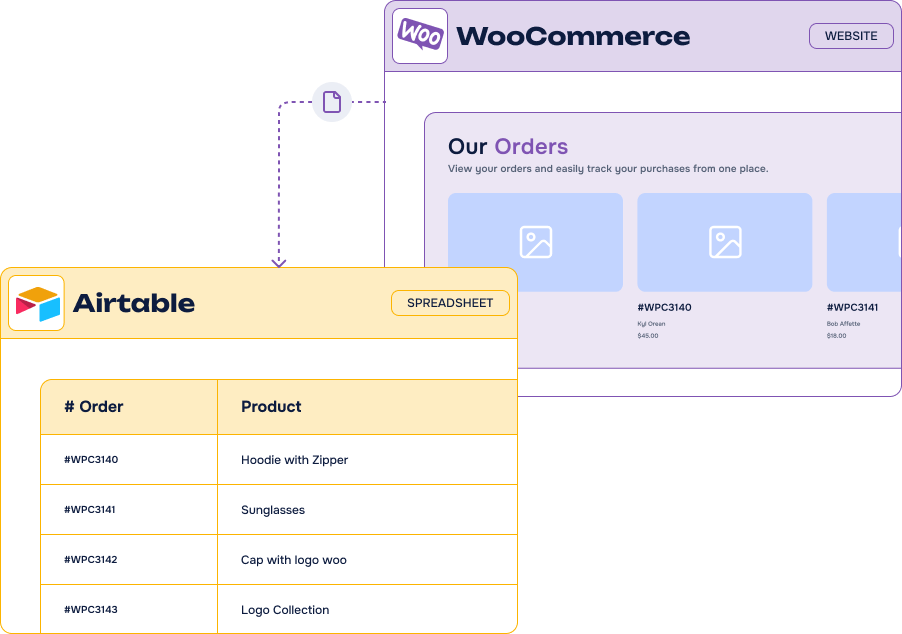
The Orders Sync to Airtable for WooCommerce plugin synchronizes your store’s orders to your Airtable base on its own — order data, billing and shipping details, customer information. Start from our ready-made template or use your own base. Free, from your WordPress admin.
Free plugin, available on WordPress.org
Key features
-
Automatic order sync
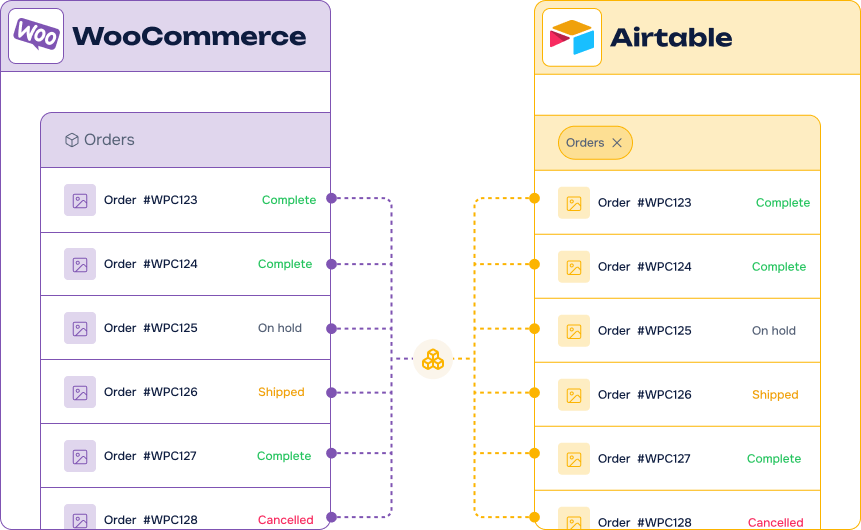
New orders are sent from your WooCommerce store to Airtable without any manual entry
-
Flexible triggers
Sync manually whenever you want, or automatically every time an order status changes
-
Key order data mapped
Order ID, status, date and total, billing and shipping details, customer information
-
Template or your own base
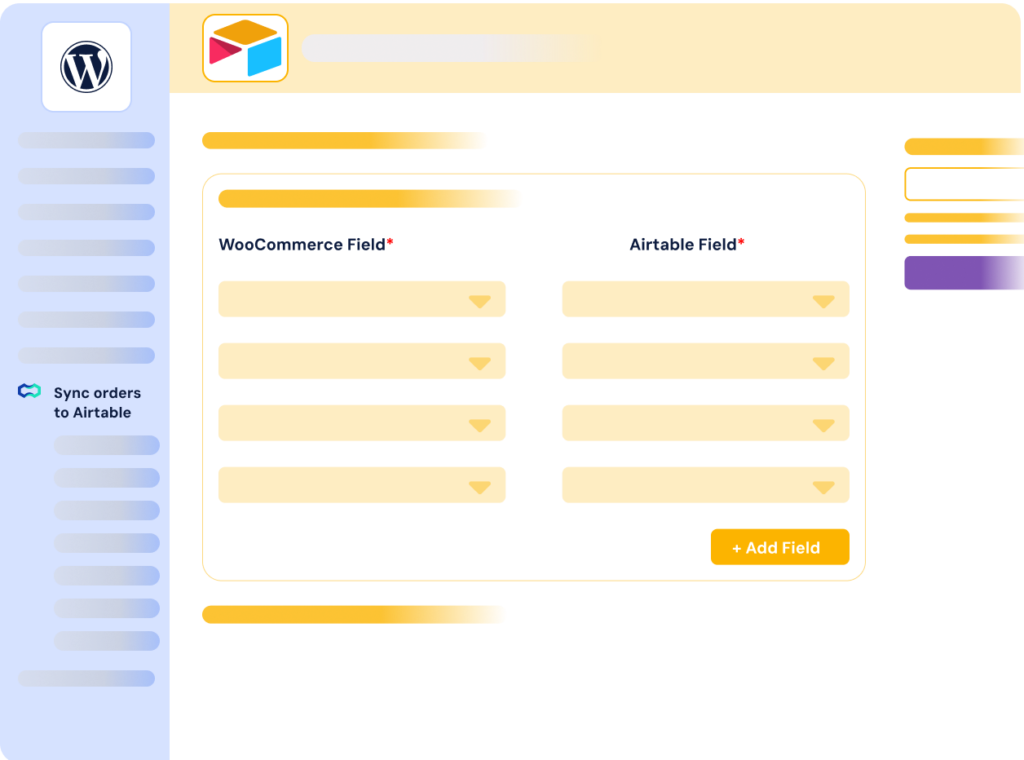
Start from our ready-made Airtable template, or connect your own structure with custom mappings
-
No third-party platform
A direct Airtable API connection, without Zapier, n8n or Make in the middle
-
Free and maintained
Published on WordPress.org, with a minimal setup and no code required
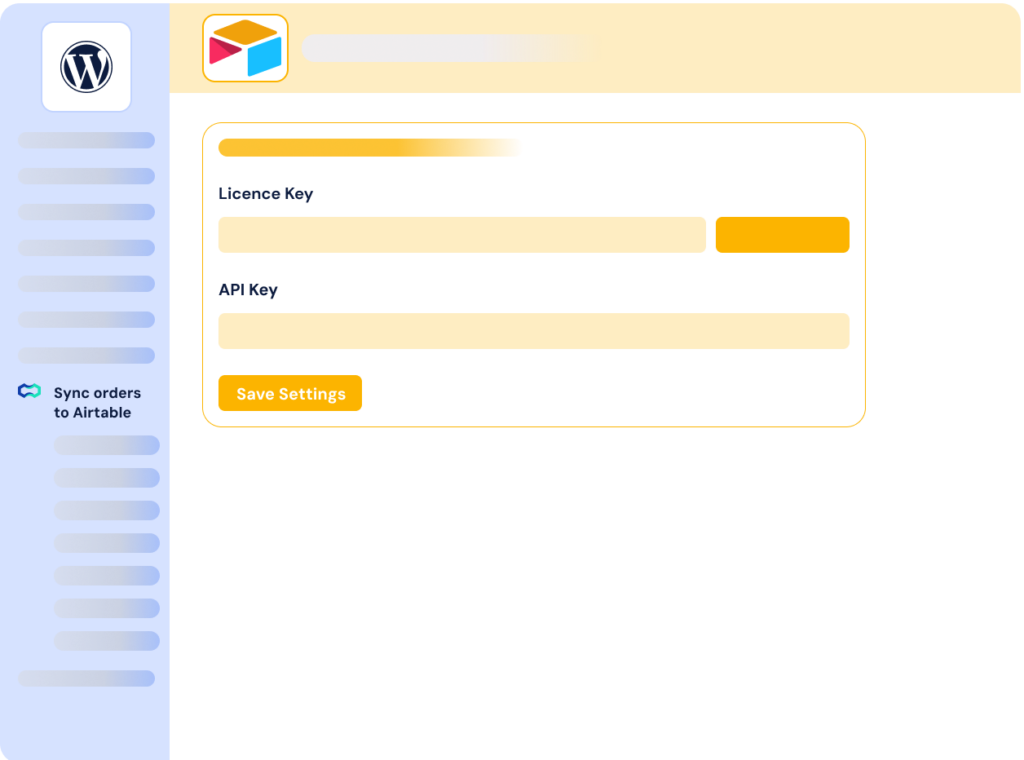
It’s easy to send your WooCommerce orders to Airtable

What can you do with your WooCommerce orders in Airtable?
Once your orders live in Airtable, they stop being rows locked inside WordPress. Whether you want to manage order data, automate reports or centralize your store activity, this free plugin removes the manual data entry from the picture.
-
Order reporting
Build the reports and dashboards your team actually reads, on top of live order data and Airtable views.
-
Customer follow-up
Keep billing and customer details next to the rest of your CRM and pick up the follow-up where your team works.
-
Fulfilment tracking
Turn your orders into a kanban board and track preparation, shipping and delivery without touching WooCommerce.
-
Activity monitoring
Watch your store activity day by day in a calendar or a grid, and spot the peaks without opening an export.
-
Marketing & analysis
Cross your orders with campaigns, sources or products in the same base, and decide where to push next.
Orders Sync to Airtable for WooCommerce: everything you need, for free
Most popular
Free
Everything, at no cost
- Included: Automatic sync of your WooCommerce orders
- Included: Manual or on-status-change triggers
- Included: Ready-made Airtable template
- Included: Your own base with custom mappings
- Included: Minimal setup, no code required
-
Contact us
You need custom development or integration services on top of the free plugin? We are here for you!
-
Free forever
Downloaded from the official WordPress.org repository
-
Need the whole store?
Air WP Sync for WooCommerce syncs products, stock and more
Frequently asked questions
Find answers to the most common questions about Orders Sync to Airtable for WooCommerce — from the Airtable account to real-time syncing.
What is Airtable?
Offered in SaaS mode, Airtable is a database tool designed to create a simple online form and a project management environment or even a custom CRM. Equipped with an automatic translation function, Airtable manages multiple views: maps, calendars, Kanban boards, Gantt charts, etc. It’s an excellent platform for data integration and automating advanced workflows.
Orders Sync to Airtable for WooCommerce is our free plugin to synchronize the orders of your WooCommerce store to an Airtable base, automatically.
Airtable is a collaborative database that works like a spreadsheet but with the power of a relational tool: views, filters, linked records and automations. It is a natural place to follow orders, build reports or share store activity with a team that does not live in the WordPress admin.
You can start from the Airtable template we provide, or connect the plugin to your own base with your own mappings. Orders are sent when their status changes, or manually whenever you decide.
Need to synchronize products, stock and custom fields as well? Air WP Sync for WooCommerce covers the whole store, and includes Air WP Sync Pro+ for posts, pages, users and taxonomy terms. Our other Airtable integrations connect forms and content the same way.