You gave us 4.86 on wp.org
Send Gravity Forms entries to SendGrid.
Deliverable, automated, instant.
- Version 1.9.0
- Since 2022
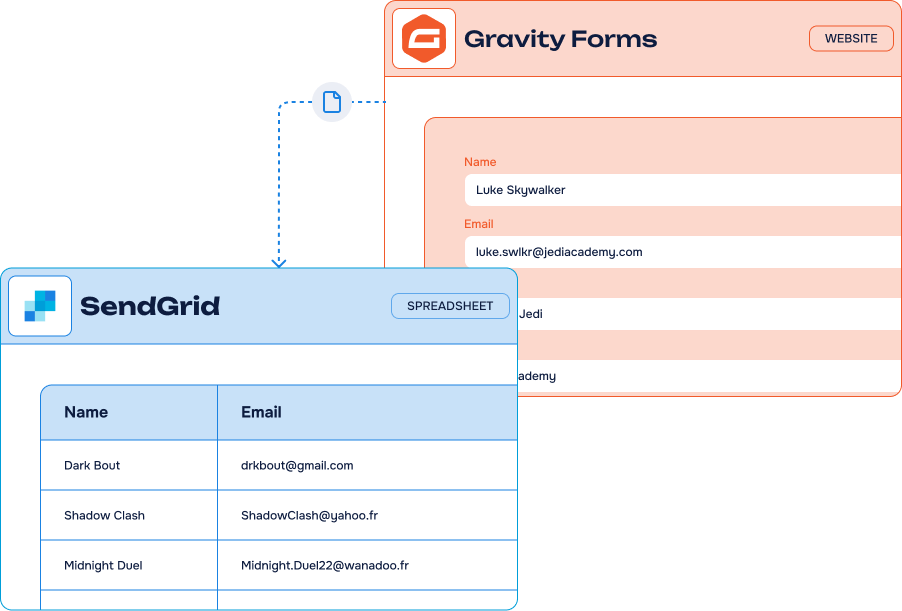
The Gravity Forms to SendGrid Add-On turns every form submission into a SendGrid contact, filed in the right list and ready to trigger your automated email sequences. No copy-paste, no Zapier, all from your WordPress admin.
14-day Money Back Guarantee
Key features
-
Unlimited
feedsCreate as many feeds as you need, on as many forms as you like
-
Easy fields mapping
Match every Gravity Forms field with its SendGrid contact attribute in a few clicks
-
One or several SendGrid lists
Send each submission to the list(s) that matter for that form
-
Conditional filters & actions
Only send the entries that meet your criteria, straight from Gravity Forms conditional logic
-
Instant contact creation
Contacts are created or updated in SendGrid the moment the form is submitted
-
Double
opt-inEnable double opt-in per feed and keep your lists clean and compliant
-
No third-party platform
A direct SendGrid API connection, without n8n, Zapier or Make in the middle
-
Works with every form
WordPress, WooCommerce or third-party forms built with Gravity Forms
It’s easy to connect Gravity Forms and SendGrid using our Add-On

What can you do with the Gravity Forms to SendGrid Add-On?
Transform your WordPress form entries into email automation drivers via SendGrid’s reliable infrastructure. Each submission creates a contact that gets added to one or multiple lists and integrated into your automated sequences.
-
Transactional & confirmation emails
Send confirmations instantly from your website form submissions, on an infrastructure built for deliverability.
-
Welcome sequences
Add new subscribers to the right list and let SendGrid run your onboarding sequence on its own.
-
Sales team notifications
Trigger instant notifications to your sales team the moment a qualified lead fills in a form.
-
Double opt-in workflows
Keep your lists compliant and your deliverability high with double opt-in enabled per feed.
-
Event confirmations
Confirm registrations and send event updates to the right audience, automatically.
Gravity Forms integration for SendGrid: incredible features, fair pricing
Most popular
Pro plan
$40.00 /year
$150.00 /year
$200.00 /year
All Features you need
- Included: Unlimited feeds on unlimited forms
- Included: Full fields mapping with SendGrid attributes
- Included: One or several SendGrid lists per feed
- Included: Double opt-in
- Included: Conditional filters & actions
- Included: One year of updates & priority support
Lifetime
1 site
$150.00 for life
One-time payment
Everything but for life
- Included: Unlimited feeds on unlimited forms
- Included: Full fields mapping with SendGrid attributes
- Included: One or several SendGrid lists per feed
- Included: Double opt-in
- Included: Conditional filters & actions
- Included: Lifetime updates & priority support
-
Contact us
You need a special plan, integration services or custom development? We are here for you!
-
Guarantee
14-Day Money Back Guarantee
-
Switch your plan
Change your plan at anytime
Frequently Asked Questions
Find answers to the most common questions about the Gravity Forms to SendGrid Add-On — from setup and field mapping to licensing and support.
What is SendGrid?
SendGrid is a software for creating and sending email campaigns. From the cloud-based platform, professionals can easily and quickly send transactional and marketing emails to their prospects and customers. Two types of tools are available: marketing campaigns and the email API. The software includes many features: email creation, deliverability, scheduling, real-time statistics and collaboration.
What’s the difference between your add-on and the one developed by Gravity Forms? Do they do the same thing?
There are indeed two SendGrid add-ons for Gravity Forms: one developed by Gravity Forms and ours, offered by WP connect. Let us explain the difference.
The Gravity Forms SendGrid add-on developed by the Gravity Forms team focuses in improving email delivery. It allows you to send form notifications through SendGrid’s infrastructure rather than through your server. This improves delivery rates and avoids spam folders. It’s a good solution for ensuring deliverability of your transactional emails such as confirmations and purchase receipts.
As you may have seen on this page, our add-on goes beyond notifications. It’s designed to integrate your Gravity Forms data with SendGrid to create workflows and automations with both tools. Its main features include automatically adding form submissions to SendGrid contact lists, triggering email sequences, enabling double opt-in workflows, and segmenting your contacts based on form data.
Note that our add-on is also available on the Gravity Forms website. In this specific case, it’s the same add-on as the one available on our site here.
Do I need technical skills to connect Gravity Forms with SendGrid?
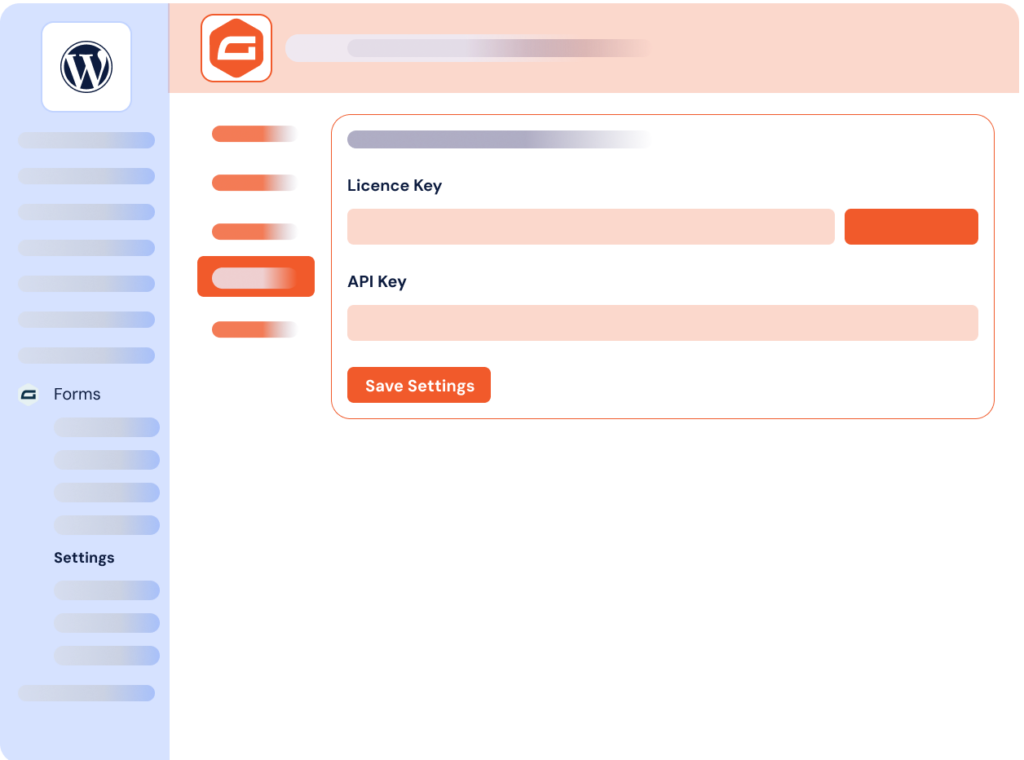
No, not at all. No technical skills are required to connect Gravity Forms to SendGrid. Our WordPress add-on automatically handles complex API connections through a simple interface. All you need to do is create your SendGrid API key from your account settings and enter it into the plugin configuration.
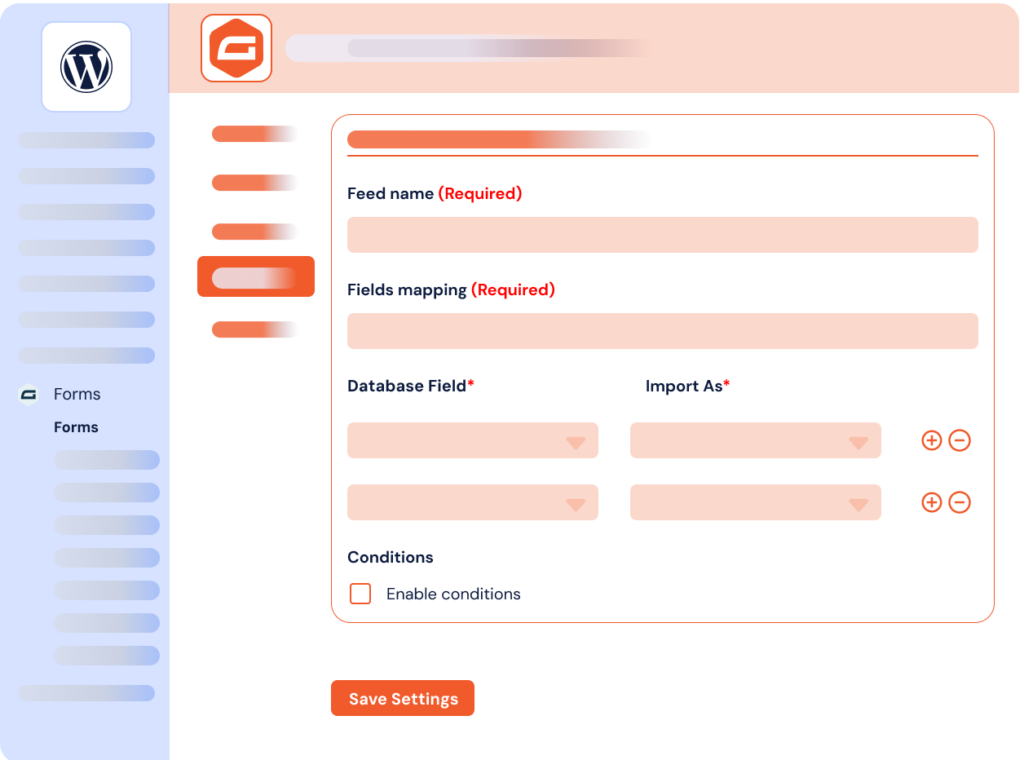
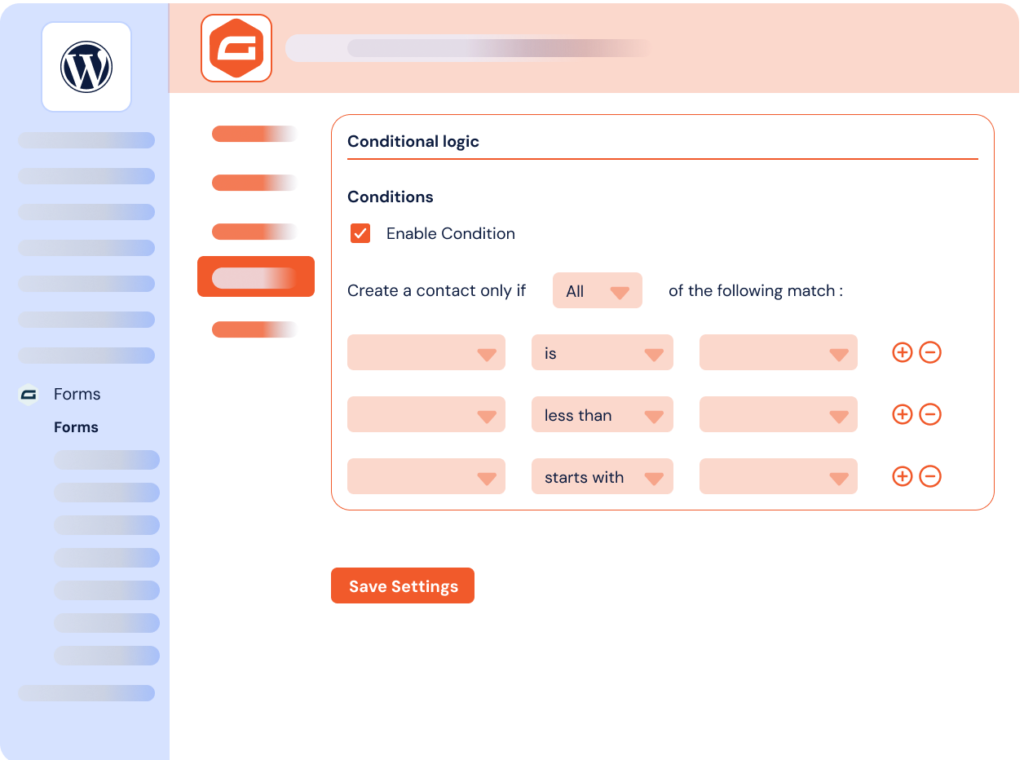
The entire setup is done within your WordPress dashboard. You map your form fields to SendGrid contact attributes, choose your email lists, and set your synchronization conditions. Your workflow is ready. The plugin handles all technical aspects like API authentication and data synchronization in the background. Our Gravity Forms integrations for Notion or Airtable work the same way: directly from WordPress, with no code required.
Gravity Forms to SendGrid Add-On integrates your WordPress forms with SendGrid to improve email deliverability and automation. SendGrid is globally recognized for its marketing and transactional email infrastructure; with proven expertise in email sending and deliverability, the platform transforms your web form entries into triggers for automated email sequences.
No more copy-pasting and productivity loss. This simple and direct integration lets you sync your WordPress forms with one or multiple SendGrid lists seamlessly.
No technical complexity: configure everything in a few simple steps through your WordPress dashboard. You just need to enter your SendGrid API key in the designated field and make basic adjustments to create your first workflow. From there, map each form field to a SendGrid contact attribute, pick the lists that receive the data and add conditional logic where you need it.
Whether you need double opt-in workflows, event confirmations or follow-up campaigns, our Gravity Forms integrations let you leverage email automation on SendGrid’s high-deliverability infrastructure — no third-party platform and no technical skills required.

