You gave us 4.86 on wp.org
Send Gravity Forms entries to Brevo.
Instant, mapped, effortless.
- Version 2.9.0
- Since 2022
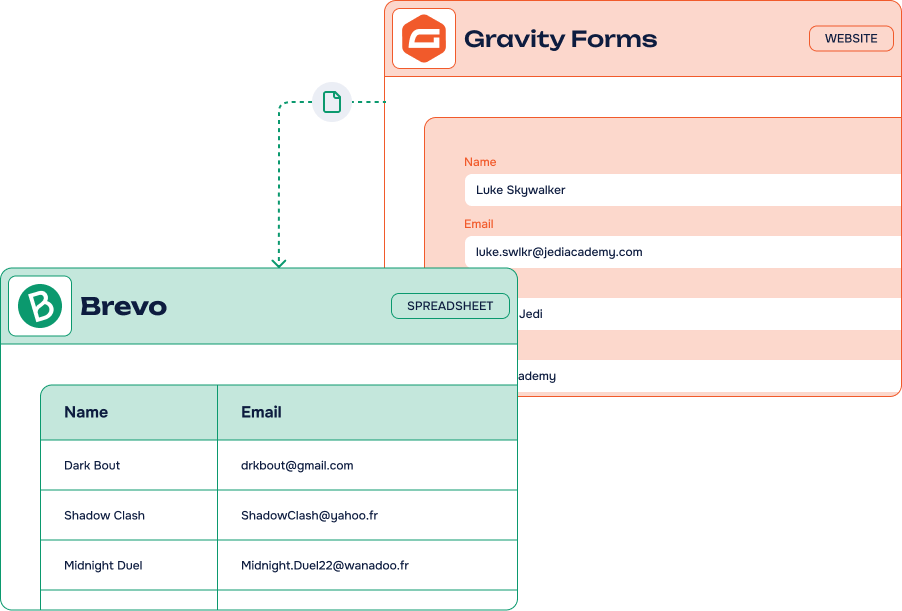
The Gravity Forms to Brevo Add-On turns every form submission into a Brevo contact — mapped to the right attributes, filed in the right list, with double opt-in when you need it. No Zapier, no code, everything from your WordPress admin.
14-day Money Back Guarantee
Hear what they have to say
Rated 5 out of 5
Quick and useful info to fix the problem.
Rated 5 out of 5
AWE. SOME. Works. Thank you so much.
Rated 5 out of 5
Breeze to setup – connects Gravity Forms fields to Brevo (formerly Sendinblue) in a few steps. Support is terrific. I highly recommend it.
Rated 5 out of 5
Very helpful.
Rated 5 out of 5
Customer support agent was super helpful, professional and friendly 🙂
Rated 5 out of 5
Fast and friendly support that provides uncomplicated and pragmatic help. We had a few problems with the setup, but we were ablle to resolve them completely. Thank you very much!
Key features
-
Unlimited
feedsCreate as many feeds as you need, on as many forms as you like
-
Easy fields mapping
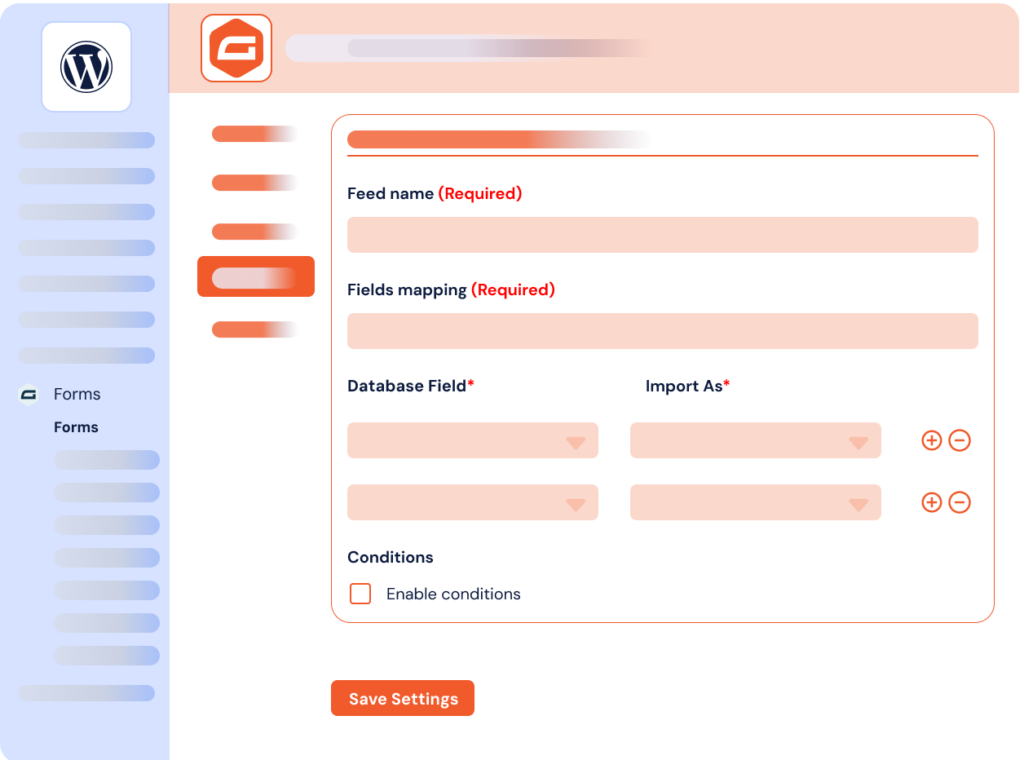
Match every Gravity Forms field with its Brevo attribute in a few clicks
-
One or several Brevo lists
Send each submission to the list(s) that matter for that form
-
Conditional filters & actions
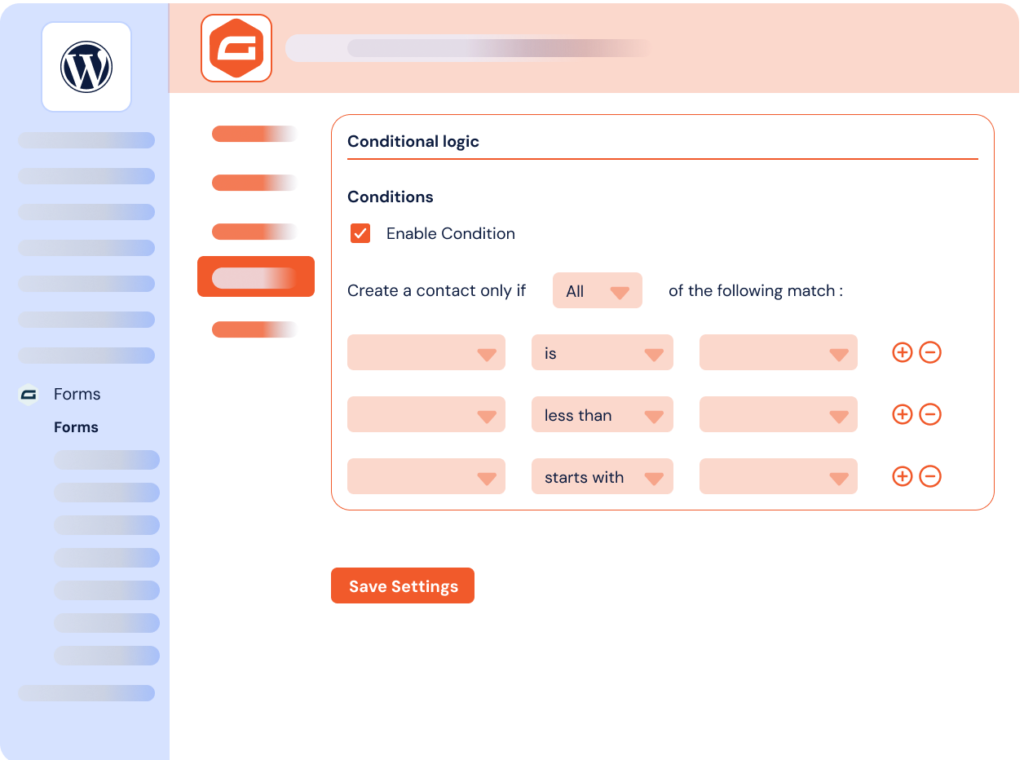
Only send the entries that meet your criteria, straight from Gravity Forms conditional logic
-
Instant contact creation
Contacts are created or updated in Brevo the moment the form is submitted
-
Double
opt-inEnable Brevo double opt-in per feed and keep your lists clean and compliant
-
Notes & partial entries
Attach notes to a contact and capture partial entries before submission
-
Works with every form
WordPress, WooCommerce or third-party forms built with Gravity Forms
It’s easy to connect Gravity Forms and Brevo using our Add-On

What can you do with the Gravity Forms to Brevo Add-On?
Get more from your existing tools by connecting them smartly. Turn your web forms into powerful business growth drivers. Here are the most popular ways businesses use our Add-On to scale faster.
-
Lead capture
Convert website prospects into Brevo contacts automatically. Every form submission adds or updates records in your email database for instant follow-up campaigns.
-
E-commerce follow-up
Connect your WooCommerce forms with Brevo. Send transactional emails, order confirmations and targeted communications based on customer form responses.
-
Event registration
Streamline event signups by adding registrants to specific Brevo segments. Automate confirmation emails and send event updates to the right audience effortlessly.
-
Newsletter optimization
Optimize your newsletter signup forms. Each submission becomes a contact with double opt-in verification, ensuring high-quality email lists and better deliverability.
-
Smart segmentation
Automatically segment form submissions into the right Brevo audiences based on responses. Automate personalized marketing campaigns according to user profiles.
Gravity Forms Brevo Add-On: incredible features, fair pricing
Free
Just the basic
- Included: One feed per form
- Included: One Brevo list selector
- Included: Mapping with the email field only
- Not included: Unlimited feeds & full fields mapping
- Not included: Double opt-in, notes & partial entries
- Not included: Priority customer support
Most popular
Pro plan
$40.00 /year
$150.00 /year
$200.00 /year
All Features you need
- Included: Unlimited feeds on unlimited forms
- Included: Full fields mapping with Brevo attributes
- Included: One or several Brevo lists per feed
- Included: Double opt-in, notes & partial entries
- Included: Conditional filters & actions
- Included: One year of updates & priority support
Lifetime
Unlimited sites
$600.00 for life
One-time payment
Everything but for life
- Included: Unlimited feeds on unlimited forms
- Included: Full fields mapping with Brevo attributes
- Included: One or several Brevo lists per feed
- Included: Double opt-in, notes & partial entries
- Included: Conditional filters & actions
- Included: Lifetime updates & priority support
-
Contact us
You need a special plan, integration services or custom development? We are here for you!
-
Guarantee
14-Day Money Back Guarantee
-
Switch your plan
Change your plan at anytime
Frequently Asked Questions
Find answers to the most common questions about the Gravity Forms to Brevo Add-On — from Brevo accounts and list selection to licensing and support.
What is Brevo (Sendinblue)?
Brevo (formerly Sendinblue) is a powerful all-in-one marketing platform for emailing, transactional emails, and automation.
The platform is a major player among marketing platforms today. It offers advanced features, competitive pricing, and excellent deliverability through cloud-based infrastructure. Thousands of companies rely on the platform for newsletters, automated emails, and SMS campaigns. The platform is available in over 5 languages and includes CRM functionalities.
Brevo provides API access even in the free plan. This facilitates automation and integration with tools like WordPress. Our Gravity Forms Brevo Add-On syncs your WordPress forms entries directly to your Brevo contacts and marketing lists seamlessly.
Does Gravity Forms to Brevo Add-An work with free Brevo account?
Yes! Our Gravity Forms to Brevo (ex: Sendinblue) Add-On works perfectly with Brevo free plan. It offers a generous free account that targets small email campaigns, allowing unlimited subscribers and 300 emails per day.
The Brevo basic plan provides API access, which means our Add-On can connect your Gravity Forms entries to your Brevo account seamlessly. To get started, create your free Brevo account, then generate your Brevo API key from your Brevo dashboard.
How to connect Gravity Forms to Brevo?
Gravity Forms to Brevo Add-On lets you link your Gravity Forms to Brevo in just minutes. Unlike complex automation tools like Zapier or Make, our WordPress Add-On provides direct integration between your forms and the platform.
This is a no-code integration that works seamlessly with all Brevo accounts. The Add-On automatically transfers your forms entries to create or update your Brevo data. This enables powerful email automation directly from your WordPress website. Check Gravity Forms to Brevo’s documentation for step-by-step tutorials and advanced configuration guides.
Also, browse our Gravity Forms integrations for Notion, Airtable, or Odoo for more automation possibilities.
Can I set up the free Gravity Forms to Brevo Add-On and afterwards upgrade to Pro without need to setup it again?
Yes, you can initially set up the Brevo integration using the free Gravity Forms add-on. When you decide to upgrade to the Pro version later, your settings will be retained, so there’s no need to set up the integration again. This seamless transition ensures that your workflows are uninterrupted and your form integrations remain consistent even after the upgrade.
Gravity Forms to Brevo Add-On is the easy way to automate your WordPress forms entries. It integrates your web forms with Brevo (formerly Sendinblue), the best in class marketing platform for growing businesses. With this integration, your web forms entries automatically become Brevo contacts in the lists you choose. Send emails, newsletters and transactional emails to reengage prospects, customers and subscribers effortlessly.
Automate your workflow without complex tools like Zapier, n8n or Make. No coding required: everything works seamlessly in your WordPress admin panel. Whether you are using Gravity Forms with WordPress, WooCommerce, third-party plugins or other platforms, our Gravity Forms integrations are the best solution to automate and leverage your web forms for your business.
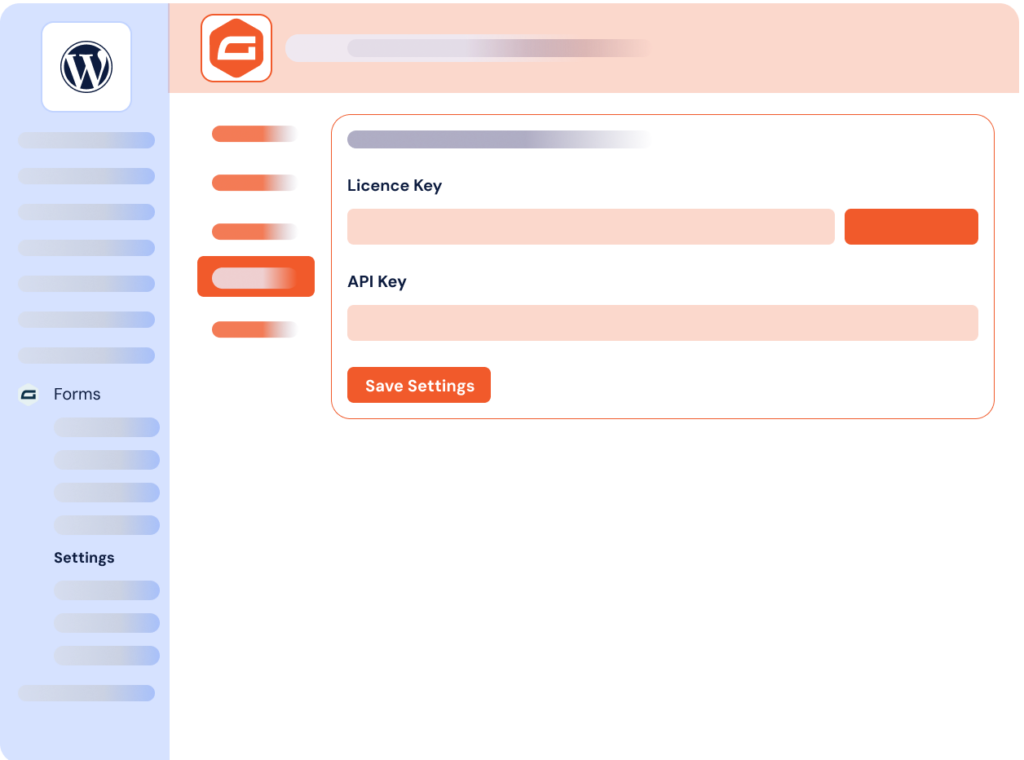
The Add-On connects Gravity Forms and Brevo in a few simple steps. Create your API key in your Brevo account settings, paste it into the Add-On settings, and map each form field to its Brevo attribute directly from your dashboard. The integration supports all major field types, so your data lands in Brevo exactly where you expect it.
You keep full control over what is sent. For each form, choose one or several Brevo lists, enable double opt-in when your compliance requires it, and use conditional filters and actions to send only the entries that match your criteria. You can also create notes on a contact and capture partial entries to recover abandoned submissions.
The Gravity Forms to Brevo Add-On comes in a free and a paid version. The free version is limited to one feed per form, a single list and mapping with the email field only. The Pro version unlocks unlimited feeds, complete fields mapping, several lists per feed, double opt-in, notes, partial entries, one year of updates and priority customer support. You can learn more in our documentation.