You gave us 4.86 on wp.org
Send every WooCommerce order to Odoo.
No manual entry, no mistakes.
- Version 1.0.1
- Since 2025
The Sync WooCommerce Orders to Odoo connector turns each order placed on your store into a sales order in Odoo — customers, order lines, taxes and shipping included. Status mapping, logs and retries, all from your WordPress admin.
21-day Money Back Guarantee
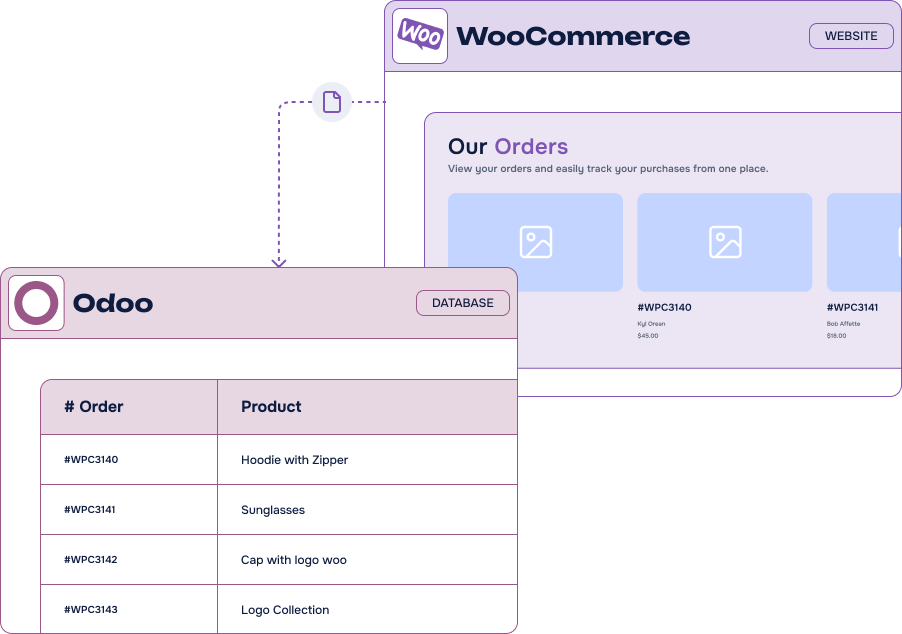
Why choose Sync WooCommerce Orders to Odoo?
-
Automatic order sync
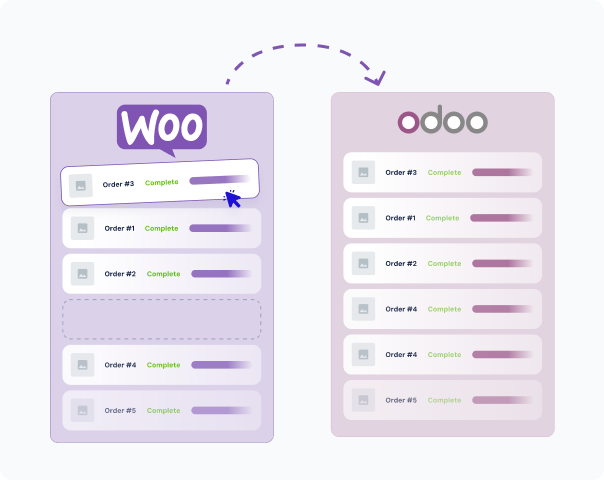
As soon as an order is placed in WooCommerce, a matching sales order is created in Odoo — customer accounts and order lines carry over on their own
-
Order status alignment
Map WooCommerce statuses such as Processing or Completed to Odoo ones like Quotation, Sale Order or Done
-
Line-by-line fidelity
Product lines, quantities, shipping and tax are preserved, so your Odoo order mirrors the WooCommerce one exactly
-
Error & logging dashboard
Track successes and failures from WordPress: see what went wrong and retry in one click
-
Flexible configuration
Choose how products are matched, whether invoices are created, the default Odoo journal and your tax and shipping rules
-
No third-party platform
A direct Odoo API connection, without Zapier, n8n or Make in the middle
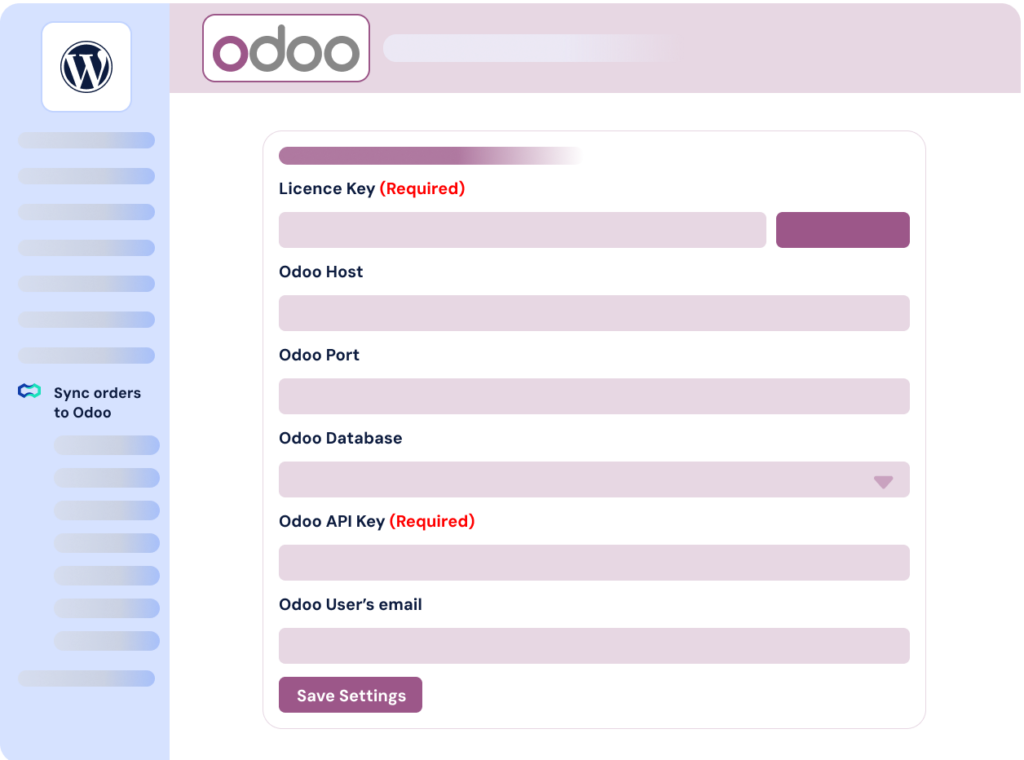
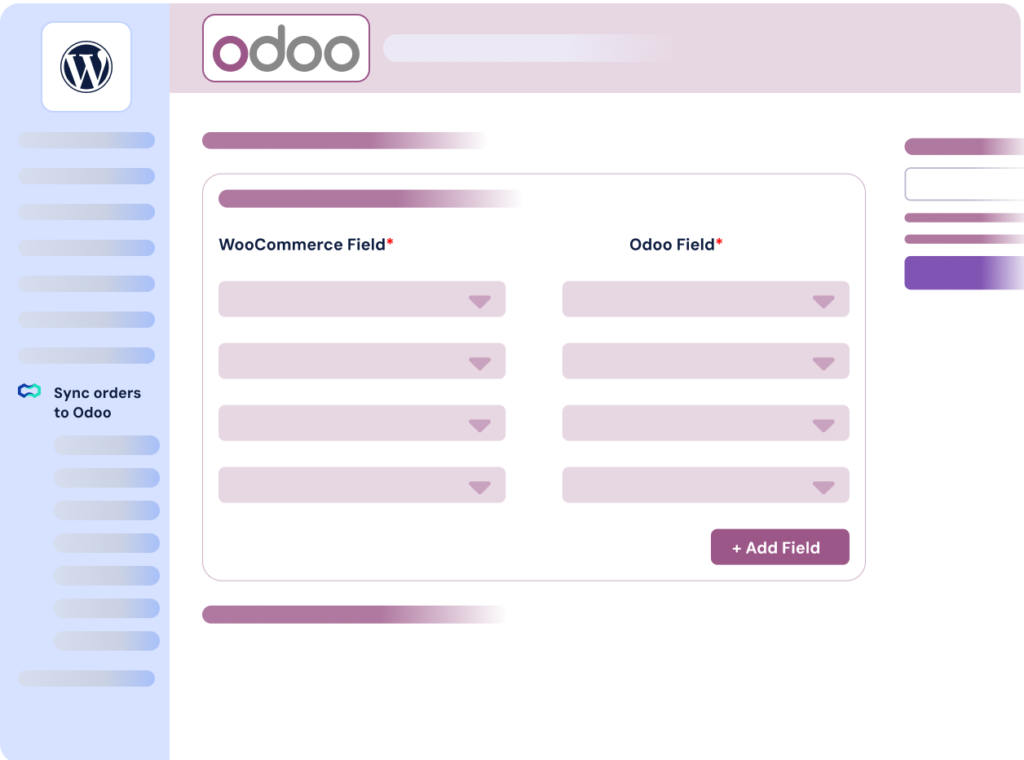
It’s easy to connect WooCommerce and Odoo
Solving real pain points for WooCommerce merchants
Whether you run a small shop or a large-scale operation, moving orders by hand between WooCommerce and Odoo costs time and creates mistakes. These are the headaches this connector was built to remove.
-
Drowning in manual transfers
Every minute your team spends copying orders from WooCommerce into Odoo is a minute lost from growth. The sync gives those hours back.
-
Tired of juggling two platforms
Fragmented data across WooCommerce and Odoo makes stock, accounting and fulfilment hard to track. One pipeline, one source of truth.
-
Held back by order volume
A manual process has a ceiling: as you scale, it slows you down and multiplies errors. Automated syncing does not care how many orders you take.
-
Frustrated with order management
Missing or delayed orders mean unhappy customers. Every WooCommerce order reaches Odoo instantly, so you can fulfil faster.
Are you ready to start syncing today?
Most popular
Sync WooCommerce Orders to Odoo
1 site
$12.50 /month
$15.00 /month
Billed annually $150.00
Save $30.00 by paying annually
All Features you need
- Included: Easy Odoo connection
- Included: Manual and recurring triggers
- Included: Map each WooCommerce tax to an Odoo tax
- Included: Customize your fields mapping
- Included: Error logs and one-click retries
- Included: One year of updates & priority support
-
Contact us
You need a special plan, integration services or custom development? We are here for you!
-
Guarantee
21-Day Money Back Guarantee
-
Switch your plan
Change your plan at anytime
Frequently Asked Questions
Find answers to the most common questions about Sync WooCommerce Orders to Odoo — from the connection to error handling and custom fields.
What is Odoo?
Odoo is a powerful all-in-one business management platform. By combining a wide range of integrated applications — from CRM and sales to inventory, accounting, and HR — Odoo helps businesses streamline operations and centralize data within a single cloud-based system. Its flexibility and modular structure have made it a go-to solution for companies of all sizes.
Odoo is available in multiple languages and can be hosted in the cloud or on-premise. The advantage? You can manage your entire business — from customer relationships to financial operations — all from one centralized platform.
Sync WooCommerce Orders to Odoo connects your WooCommerce store to Odoo, the ERP where a lot of merchants already run their accounting, their stock and their invoicing.
Instead of re-typing every order into the ERP — or exporting a CSV at the end of the week — each order placed on your site becomes a sales order in Odoo, with its customer, its lines, its taxes and its shipping. Statuses stay aligned in both directions of your workflow, and a log tells you exactly what happened with each sync.
Our Odoo integrations cover the two ends of a WordPress store: form entries with the Gravity Forms to Odoo Add-On, and orders with this connector.
It is a no-code solution: everything is configured from your WordPress admin, without Zapier, n8n, Make or a developer.