You gave us 4.86 on wp.org
Solving real pain points with Air WP Sync for WooCommerce.
- Version 2.0.1
- Since 2024
Manage your products seamlessly in Airtable with real-time orders synchronization and powerful inventory management.
21-day Money Back Guarantee
Why Air WP Sync for
WooCommerce?
Air WP Sync helps creators and developers build websites with WordPress and Airtable. The plugin imports and displays Airtable content on WordPress for content management, SEO, and more. Start with our free version; the paid version offers advanced features.
-
Overwhelmed by Complex Product Catalogs?
Managing multiple product types, variations, and frequent updates is a recipe for chaos. Air WP Sync for WooCommerce handles all product types — from simple to variable, downloadable, external and grouped products — making sure everything stays in sync, no matter how complex your catalog.
-
Wasting Time on Tedious Manual Work?
Updating product details and orders manually is time-consuming and prone to mistakes. Air WP Sync for WooCommerce automates the entire process, freeing you up to focus on growing your business, not maintaining it.
-
Tired of Spending Hours Manually Updating Inventory?
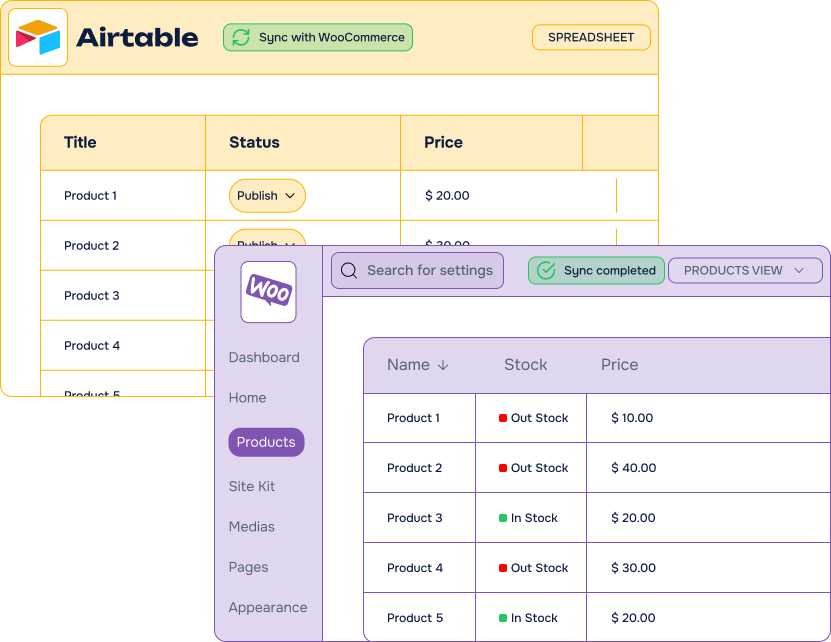
Keeping track of stock levels across WooCommerce and Airtable can feel like a full-time job. With Air WP Sync for WooCommerce, your products and inventory sync automatically in real time, saving you hours of manual updates and ensuring your store is always up to date.
-
Frustrated with Order Management?
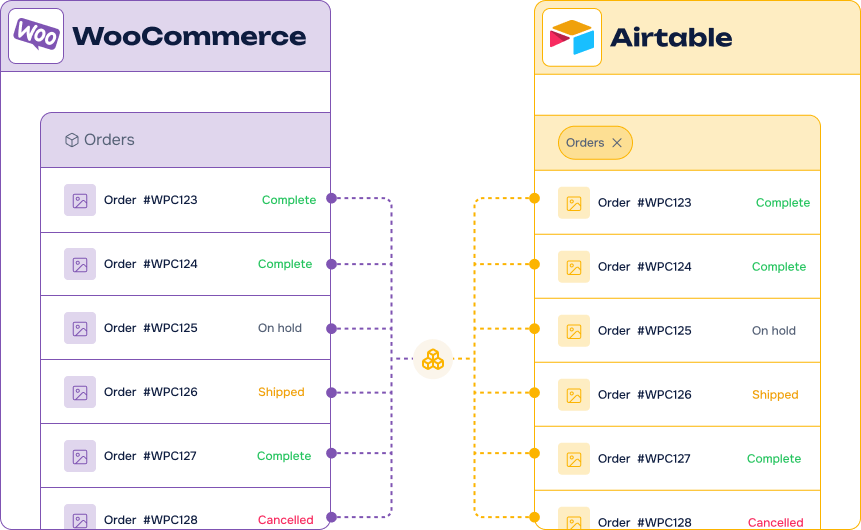
Missing or delayed orders due to inconsistent syncing can lead to unhappy customers and lost sales. Air WP Sync for WooCommerce ensures that every WooCommerce order is synced instantly to Airtable, keeping your order data consistent and letting you fulfill orders faster.
Key features
-
Synchronize
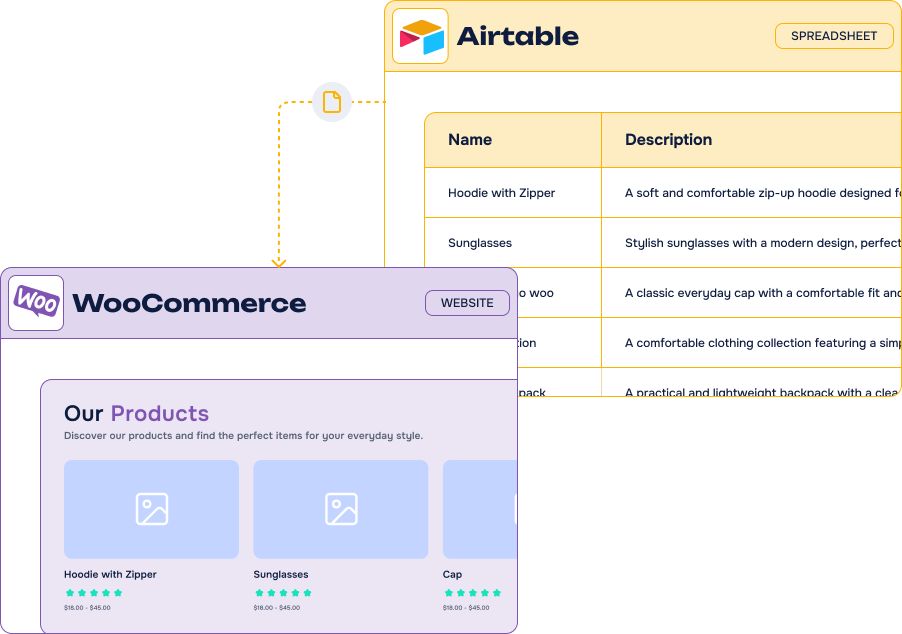
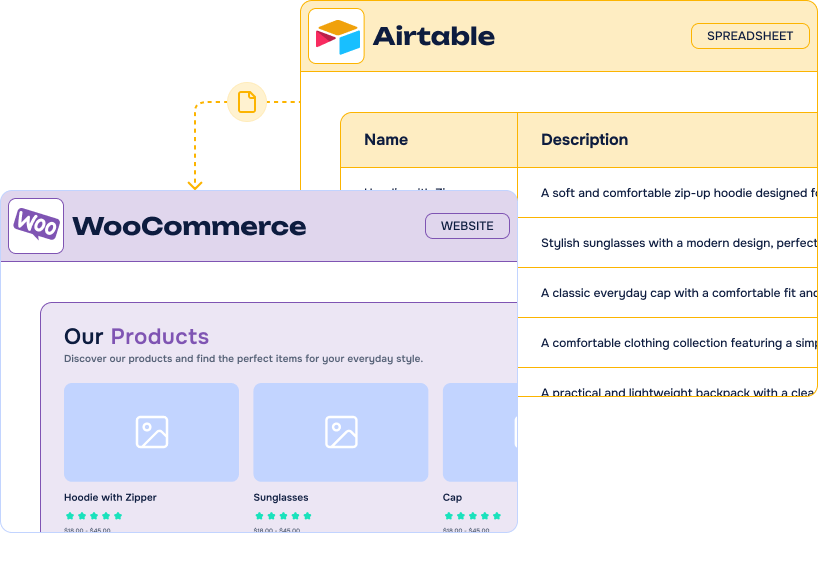
products from AirtableSay goodbye to manual updates and data discrepancies.
-
Real-time order syncing
Automate WooCommerce order transfers to Airtable as soon as they happen.
-
Comprehensive support for all product types
Including simple, variable, downloadable, grouped, and external products.
-
Ready-to-use Airtable Template
Start with our pre-built template. No database setup needed.
-
ACF
SupportMap to any custom fields with complete ACF support !
-
Major SEO plugins Support
Manage your SEO in Airtable, sync it directly in WordPress
-
Sync
SchedulingSync hourly, daily, or on demand
-
Filters &
ViewsChoose specific records with Airtable views and filters












Export your WooCommerce orders to Airtable – for free
Want to start sending your WooCommerce orders to Airtable without any cost?
Try our free plugin Orders Sync to Airtable for WooCommerce available on the WordPress repository.
It’s the perfect starting point to automate your workflow and test the integration before upgrading to the premium version.

It’s easy to connect Airtable and WooCommerce using Air WP Sync for WooCommerce

Our Pricing Plans
Free
Export your WooCommerce orders to Airtable
- Included: 1 active connection
- Included: Orders Sync
- Included: Auto Sync
- Not included: ACF + CPT + SEO Support
- Not included: Products Sync
- Not included: Inventory
- Not included: Air WP Sync Pro+
Most popular
Pro plan
$50.00 /month
$60.00 /month
Billed annually $600.00
Save $120.00 by paying annually
$83.33 /month
Billed annually $1,000.00
All Features you need with Air WP Sync Pro+ included
- Included: Unlimited connections
- Included: ACF + CPT + SEO Support
- Included: Manual, Orders Instant Sync and all choices of Recurring Sync
- Included: Air WP Sync Pro+
- Included: Premium Support & Updates
- Not included: Lifetime Option
Lifetime
1 site
$1,800.00 for life
One-time payment
Everything but for life
- Included: Unlimited connections
- Included: ACF + CPT + SEO
- Included: Manual, Orders Instant Sync and all choices of Recurring Sync
- Included: Air WP Sync Pro+
- Included: Premium Support & Updates
- Included: Lifetime Option
-
Contact us
You need a special plan, integration services or custom development? We are here for you!
-
Guarantee
21-Day Money Back Guarantee
-
Switch your plan
Change your plan at anytime
Customers Stories
-

Managing Classes and Student Registrations with Air WP Sync for WooCommerce
Joint Effort Management publishes class information from Airtable to WordPress and captures WooCommerce purchase and student registration data in return with Air WP Sync and Air WP Sync for WooCommerce.
Frequently Asked Questions
Find answers to the most common questions about WP connect from licensing and compatibility to support and ease of use. We’ve got you covered whether you’re a developer or just getting started.
Can I use Air WP Sync with a free Airtable account?
Yes, Air WP Sync is fully compatible with free Airtable accounts. The plugin connects to Airtable via its API to synchronize your data with WordPress. You can get your Personal Access Token by simply creating a free Airtable account.
Airtable free plan allow you to create unlimited number of databases and collaborate with small teams of up to 5 people. You can add up to 1,200 entries in each database and 2GB of attachments. Depending on your needs, several paid subscriptions allow you to unlock these limitations while accessing more advanced features (see prices).
Can Air WP Sync for WooCommerce update existing products on my site?
Not directly. Air WP Sync for WooCommerce can only update posts that were originally created using the plugin itself.
If your products were created manually or with another tool/plugin, Air WP Sync for WooCommerce won’t recognize them, and therefore can’t update them from Airtable.
So what can I do if I already have posts created?
To start managing them via Air WP Sync for WooCommerce, follow these steps:
Export your current products to your Airtable template using the Export functionnality of Air WP Sync for WooCommerce.
Once your content is in Airtable, re-import it using Air WP Sync for WooCommerce.
This will properly link the records and allow updates from Airtable in the future.
- Delete the existing old products.
Can WordPress integrate with Airtable ?
Yes, WordPress integrates seamlessly with Airtable using APIs. With Air WP Sync plugin, you can easily connect your Airtable account to your WordPress site. This allows you to automate your WordPress content management directly from an Airtable database.
While both Airtable and WordPress offer REST API interfaces that make integration possible, using these APIs can be intimidating and typically requires programming knowledge. However, the Air WP Sync plugin provides these advanced integration capabilities without requiring any coding skills.
Air WP Sync for WooCommerce connects Airtable to WooCommerce, helping you manage your online store from a centralized database. With our plugin, you can sync products from Airtable to WooCommerce, send WooCommerce orders to Airtable, and keep track of your inventory. Bring your product management and order workflows together while reducing repetitive data entry.
Whether you sell physical goods, digital downloads, or products with multiple variations, Air WP Sync for WooCommerce helps you organize your catalog in Airtable. The plugin supports simple, variable, grouped, external, and downloadable products, giving your team a practical way to maintain product information. Manage your catalog from a familiar database interface and synchronize updates with your WooCommerce store.
Your purchase of Air WP Sync for WooCommerce also includes Air WP Sync Pro+ at no additional cost. Alongside your WooCommerce products, you can synchronize Airtable records with WordPress posts, pages, custom post types, users, and taxonomy terms. Simply enable the included Air WP Sync functionality in the plugin settings to manage more of your website content from Airtable. There is no need to purchase Air WP Sync Pro+ separately.
The included Air WP Sync Pro+ features also extend your Airtable to WordPress integration with support for Advanced Custom Fields (ACF). Map your Airtable data to supported custom fields to structure and publish content that fits your website. This gives you additional flexibility when managing content beyond your WooCommerce catalog, from detailed resource pages to custom content types.
Getting started is straightforward. Install and activate Air WP Sync for WooCommerce on a WordPress website with WooCommerce enabled. Follow the setup wizard to enter your license key and connect Airtable using your Personal Access Token. You can also activate the included Air WP Sync Pro+ functionality during setup, making both your store integration and your WordPress content connections accessible from the same plugin.
Follow the setup guide.
For your store data, use our dedicated Airtable template, which is required for the WooCommerce integration. Add your product information to the template and configure your connection to begin synchronizing. With WooCommerce orders transferred to Airtable and inventory tracking available alongside your catalog, your team can spend less time switching between tools and more time managing your store.