Managing Structured Content & SEO with Notion WP Sync
Discover how to simplify and streamline content with Notion WP Sync.
Presentation
The client
The Society of London Art Dealers is a membership organisation representing leading fine art dealers and galleries in the UK.
To support the organisation’s growing digital presence, the London-based multidisciplinary studio Gutenberg manages a content-heavy WordPress website featuring galleries, events, exhibitions, artists, editorial content and SEO-focused landing pages.
The team was looking for a more scalable and structured way to manage content centrally while reducing repetitive manual work inside WordPress. During their research for a cleaner Notion-to-WordPress workflow, they discovered WP connect’s Notion WP Sync.
- https://slad.co.uk
- Gutenberg Studio (Project for The Society of London Art Dealers)

Challenges
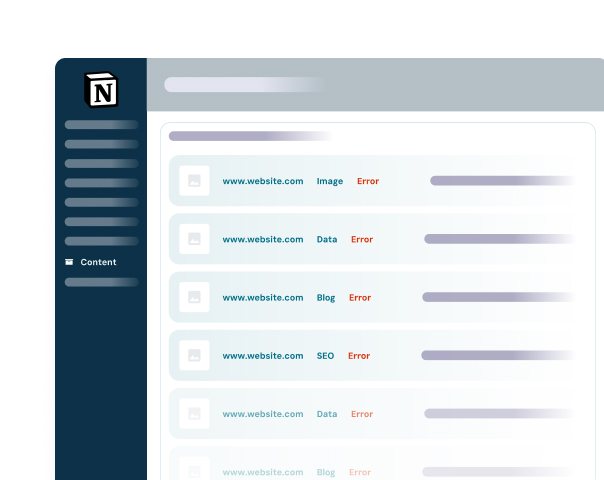
Managing large volumes of content in WordPress became time-consuming and hard to scale
The Gutenberg team faced several operational challenges:
- Manual and repetitive content editing in WordPress
- Difficulty centralising structured content
- SEO workflows requiring too much manual intervention
- Maintaining consistency across multiple content types
- Reliance on fragmented automation tools and workflows
- Need for a scalable database-driven publishing architecture
The team also wanted to avoid relying heavily on third-party automation layers such as Zapier or complex custom API setups.
Solutions
A Centralized, Automated Notion-to-WordPress Workflow
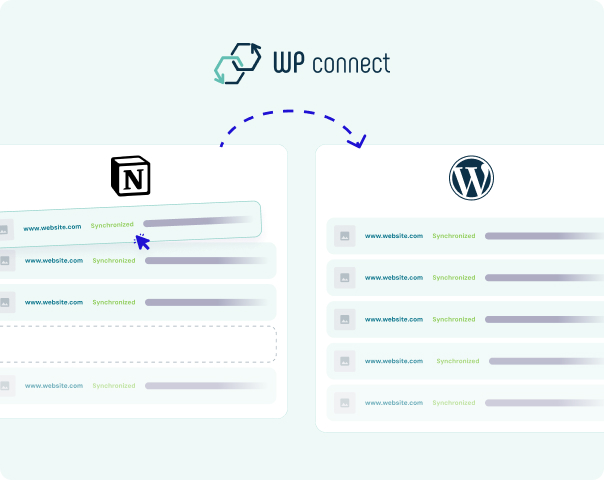
WP connect’s Notion WP Sync enabled Gutenberg Studio to build a structured publishing workflow where Notion acts as the central content database and WordPress handles presentation and publishing.
The workflow is based on:
Structured Notion databases → Notion WP Sync → WordPress Custom Post Types & Pages → Public Website
By using Notion as the “source of truth”, the team was able to centralise content management while simplifying WordPress operations.
The workflow now synchronises a wide range of structured content, including:
- Gallery and member information
- Events and exhibitions
- Artist-related content
- SEO-focused pages and metadata
- Editorial content
- Supporting structured metadata
- Images and media references
Results
-
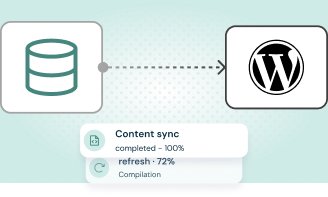
Centralised content management
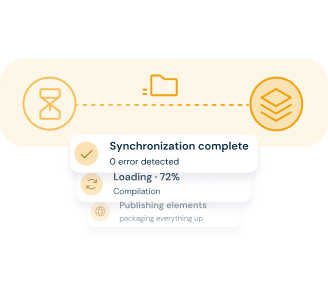
The team now manages structured website content directly from interconnected Notion databases, simplifying updates and reducing fragmentation.
-
Improved SEO scalability
By structuring content more effectively, the team improved consistency across SEO pages and editorial operations, helping increase website visibility and traffic.
-
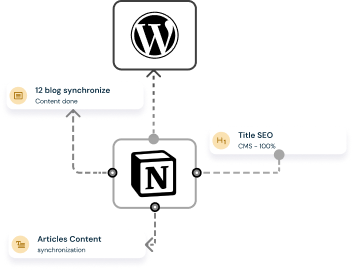
Cleaner technical architecture
Compared to alternative solutions involving Zapier or custom APIs, Notion WP Sync provided a more direct, maintainable and scalable integration between Notion and WordPress.
Testimonial
Client feedback
“Overall, I’d say the plugin has been very effective in helping us move toward a more structured content architecture. Some of the biggest strengths for us are the direct Notion-WordPress workflow, the ability to treat Notion as a CMS/database, reducing manual duplication of work, and making structured publishing more manageable.”
Gabriel Pacaccio
Gutenberg Studio, UK

What to remember
Key Takeaway
Key benefits of the implementation included:
- Better long-term maintainability of the website architecture
- Direct synchronisation between Notion and WordPress
- Structured database-driven publishing workflows
- Reduced dependency on Zapier and middleware tools
- Easier management of SEO and editorial content
- Improved scalability for content operations
The result is a cleaner workflow, reduced manual work, improved content consistency and a more scalable SEO-friendly publishing architecture.
For organisations managing large amounts of structured editorial, SEO and membership content, WP connect’s Notion WP Sync provides a scalable and efficient way to centralise operations using Notion as a CMS layer while keeping WordPress focused on publishing and presentation.
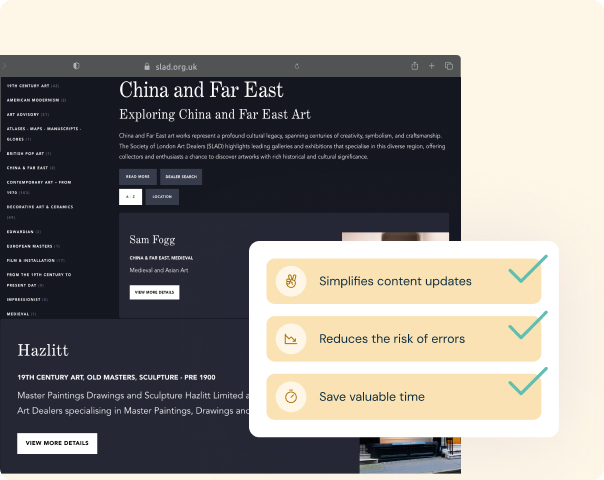
Discover how Notion WP Sync can simplify content workflow for your business today!
Content creation doesn’t have to be complicated. Streamline your workflow and keep your website up-to-date effortlessly.