Airtable integrations for WordPress & WooCommerce
Organize your data with Airtable, a modern and powerful database that goes well beyond Excel or Google Sheets. Connecting Airtable with WordPress supercharges the way you manage content and data: a flexible, efficient bridge between the tool your team works in and the site your visitors see.

Rated 5 out of 5
Air WP Sync is an absolutely simple plugin that is extremely easy to use. I can recommend it to anyone who wants to implement a 100% dynamic website with the help of Airtable and WordPress. The support is also great! Friendly and quick. Thank you very much! (Air WP Sync Pro+)
Rated 5 out of 5
I am using the Air WP Sync in unison with Gravity Forms to Airtable to build a full app experience in WordPress. I am able to collect my user data with GF and then use Air WP Sync to send the data back to the WP site and build out logged in user's dashboard. These plugins are such great tools because you can essentially full blow web apps using WordPress. This opens up tons of possibilities for WP designers and developers like myself.
Rated 5 out of 5
I really really love your plugin Air WP Sync!! Well done :-)!!
Rated 5 out of 5
It works like a charm! It is the perfect integration to only use Airtable for content management and get it synced to WordPress (nearly instantly!) And their support is spot on too! I am so excited that I found this plugin!! What a game changer for people connecting Airtable to WordPress!
What can you do with our Airtable integrations?
With WP connect’s WordPress Airtable integrations you automate your processes, save time and money, and keep Airtable and WordPress synchronized in both directions.
They are designed to fit workflows that are genuinely yours: events management, CRM enrichment, project tracking, content publishing and much more.
If you are looking for a solid way to manage your data, try our Airtable integrations for WordPress and see how much of your team’s work stops being manual.
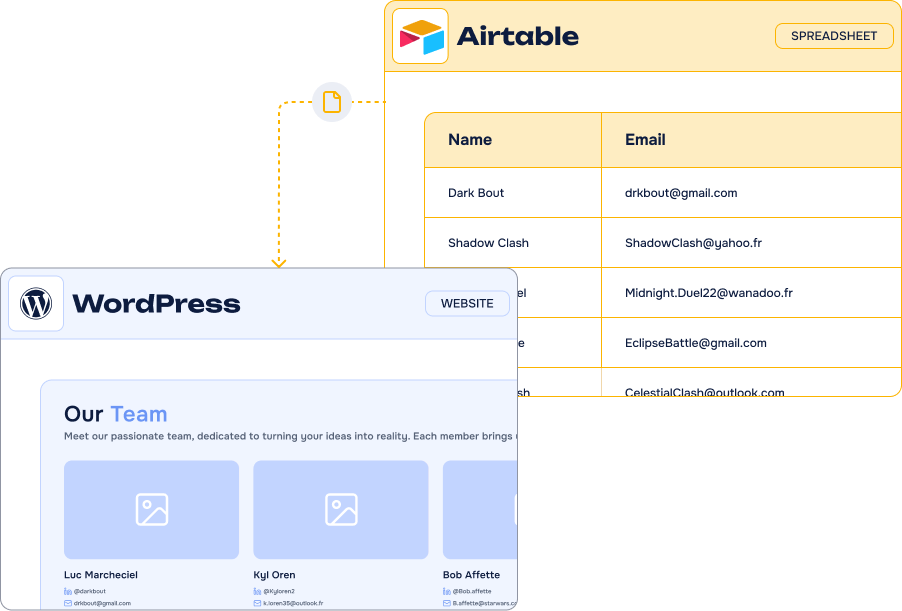
Easily connect your WordPress forms to Airtable
Our form add-ons send data from the most popular WordPress form plugins — Gravity Forms, Contact Form 7 and WPForms — straight to Airtable. No Zapier, no Make, no Pabbly: fewer costs, fewer moving parts.
- Transfer data in real time between your WordPress forms and Airtable
- Use Airtable to create and update pages, posts and any custom post type
- Display Airtable data on a WordPress page, post or product in a few clicks
- Send your WooCommerce orders to Airtable and follow them where your team works
Connecting Airtable to WordPress lets you:
Every entry is recorded and trackable in a table your whole team can open from a laptop or a phone, with triggers and views to sort it automatically.
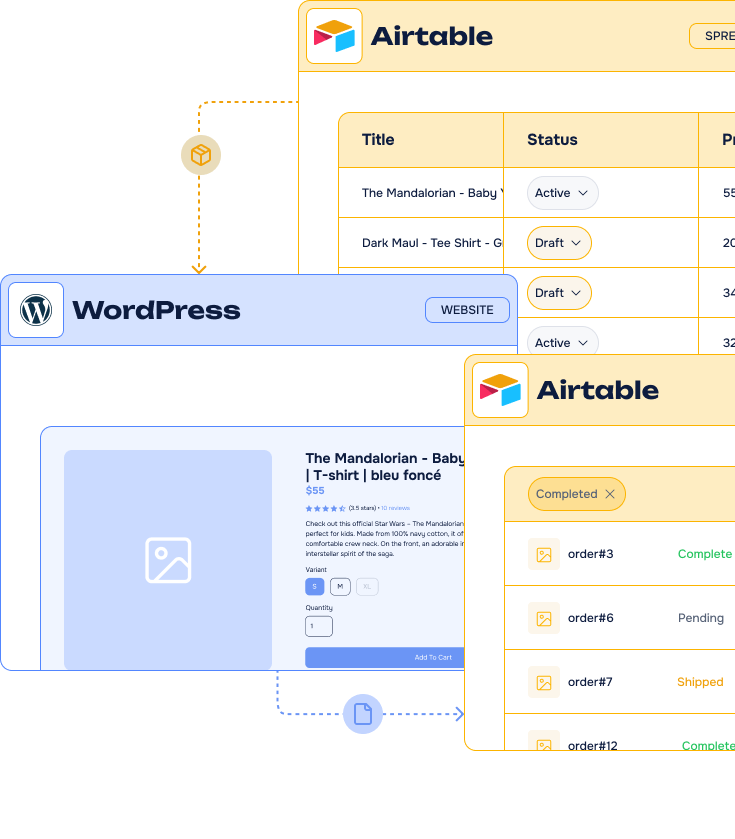
Why our Airtable integrations stand out
Airtable is where a lot of teams already keep their CRM, their content calendar or their inventory. Our integrations are built to make WordPress read from it and write to it, without a third-party automation platform in the middle.
-
Sync in both directions
Import Airtable records into WordPress with Air WP Sync, and send form entries or orders back into your base with our add-ons.
-
A direct API connection
No Zapier, Make or Pabbly subscription in the middle: each plugin talks to the Airtable API from your own WordPress admin.
-
A team behind the plugins
We do not just publish add-ons. Our team helps you set them up, and builds the custom no-code integration when your workflow needs one.
Our Airtable
integrations
From importing a whole base into WordPress to pushing a single form entry into a table: pick the integration that matches what you need to move.
-
Air WP Sync –
Airtable to WordPressImport and synchronize your Airtable base to build portfolios, directories, blogs and full site experiences.
Discover about Air WP Sync -Airtable to WordPress -
Air WP Sync for WooCommerce
Create and update your WooCommerce products straight from an Airtable base and send orders and manage stock in Airtable.
Discover about Air WP Sync for WooCommerce -
Gravity Forms to Airtable
Create or update Airtable records from every Gravity Forms submission, with full field mapping.
Discover about Gravity Forms to Airtable -
WPForms
to AirtableTurn your WPForms entries into organized Airtable records, with conditional logic on what gets sent.
Discover about WPFormsto Airtable -
Contact Form 7 to Airtable
Our free add-on: paste your token, map your fields, and every submission lands in your table.
Discover about Contact Form 7 to Airtable -
wpDataTables Airtable Add-On
Display a live Airtable base as a responsive, searchable table anywhere on your site.
Discover about wpDataTables Airtable Add-On







Key use cases of Airtable integrations
Businesses run very different things on Airtable – a CRM, a project tracker, a product catalogue, an editorial calendar. These are the workflows our users build most often with WordPress.
-
CRM enrichment
Leads captured on your site land in the base your sales team already uses, qualified and assigned without a copy-paste.
-
Events management
Registrations, attendees and sessions live in Airtable, and the event pages on your site follow automatically.
-
Project management
Client requests become records with deadlines and owners, tracked in the kanban and calendar views of your base.
-
Content publishing
Write and validate in Airtable, publish in WordPress: posts, pages and custom post types are created from your records.
-
Data display
Catalogues, price lists and directories stay in Airtable and appear on your site as live, filterable tables.
-
E-commerce Shop
Mage your products, stocks and orders with Airtable an WooCommerce.
Frequently Asked Questions about
our Airtable integrations
What is Airtable?
Offered in SaaS mode, Airtable is a database tool designed to create a simple online form and a project management environment or even a custom CRM. Equipped with an automatic translation function, Airtable manages multiple views: maps, calendars, Kanban boards, Gantt charts, etc. It’s an excellent platform for data integration and automating advanced workflows.
Which fields are supported by your Add-ons for Airtable ?
The major fields are supported by our Airtable add-ons: Title, Text, Number, URL, E-mail, Attachment, Phone, Select, Multiple Select and Date
Can I use Air WP Sync with a free Airtable account?
Yes, Air WP Sync is fully compatible with free Airtable accounts. The plugin connects to Airtable via its API to synchronize your data with WordPress. You can get your Personal Access Token by simply creating a free Airtable account.
Airtable free plan allow you to create unlimited number of databases and collaborate with small teams of up to 5 people. You can add up to 1,200 entries in each database and 2GB of attachments. Depending on your needs, several paid subscriptions allow you to unlock these limitations while accessing more advanced features (see prices).
How to install your products?
You can install our WordPress plugins and add-ons by uploading them to your site. To do this, follow these steps:
- Download the plugin file to your computer after purchase it on wpconnect.co.
- Log in to your WordPress dashboard.
- On the left-hand side menu, click on “Plugins” and then “Add New”
- Click the “Upload Plugin” button at the top of the page.
- Click the “Choose File” button and select the plugin file you downloaded in Step 1.
- Click the “Install Now” button.
- Wait for the plugin to be installed, and then click the “Activate” button.
It’s important to note that our plugins and add-ons require additional steps to be fully configured and integrated into your site. Please follow the installations steps described below on the FAQ and our tutorials.
Want to know more? Check our articles!
News
Export WooCommerce Products to Airtable: A Major New Feature in Air WP Sync for WooCommerce
Export your existing WooCommerce catalog to Airtable, then manage products from a centralized workspace and synchronize updates back to your store without rebuilding records manually.

Guides
How to integrate Airtable with your existing tools ?
Compare practical ways to connect Airtable with your existing stack, centralize scattered data, and reduce the copy-pasting and app switching that slow teams down.

Tutorials
How to Duplicate, Export and Import connections?
Learn how to duplicate a plugin connection for quick reuse, then export and import connections between WordPress sites instead of rebuilding each configuration manually.